
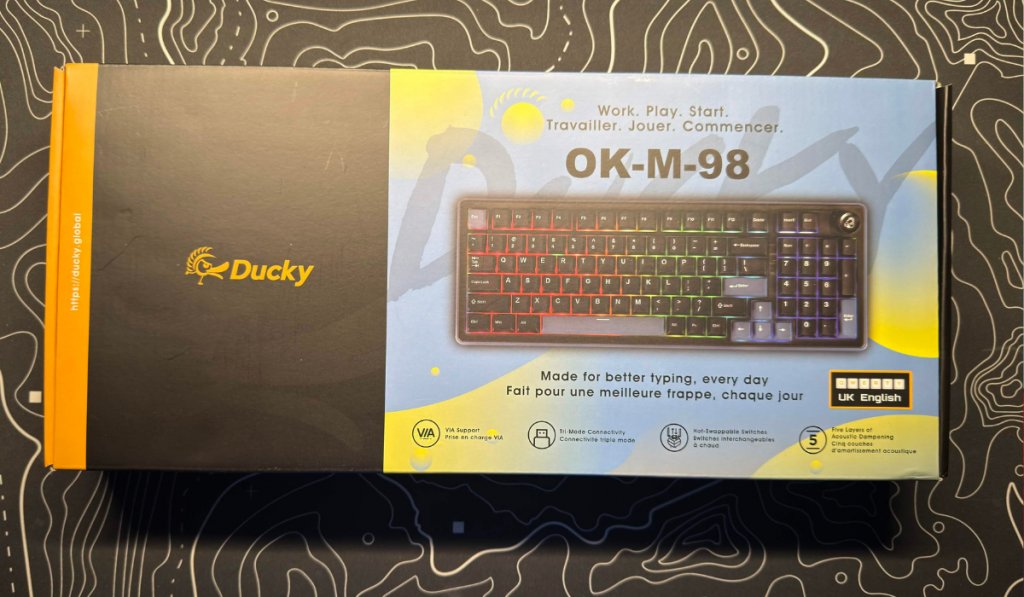
You may know the name Ducky, and you might think that it’s just a pet name for a loved one. Whereas real PC hardware aficionados know them as the company that first gave us customisable keyboards. (Well, first to my knowledge) They got in touch and asked if we wanted to check out one of their budget offerings. The Ducky OK-M-98 is the latest in a lineup of great mechanical keyboards, and we were lucky to get hands-on with it. As always, this review was written using the keyboard in question.
This Keyboard is more than OK
Coming in a number of different sizes, the Ducky OK-M can be found in 65%, 75% and 98%. We received the 98 layout, which effectively gives you an almost full-size keyboard. With it being slightly compact, it fit great on my desk and feels good in use.
Design Features
Being an entry-level mechanical keyboard, the Ducky OK-M-98 features hot-swappable switches. Allowing you to fully customise the feel of the keyboard. With five layers of dampening as well, it gives you a fantastic experience when typing. You get the nice crisp clicks of the keys, but there is no overly loud pings or anything else.
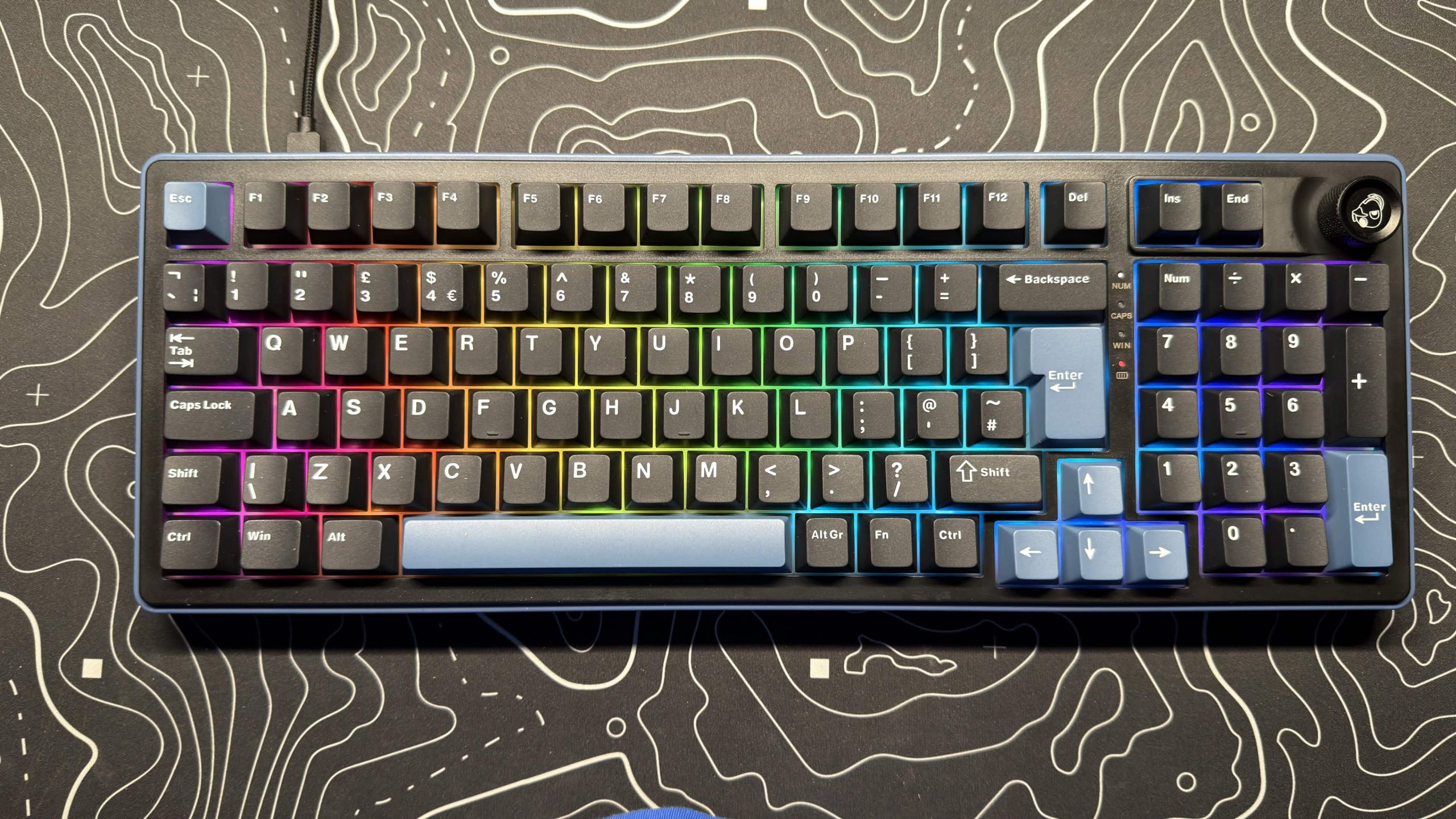
The keyboard itself isn’t overly flashy; it doesn’t have a whole tonne of settings to play around with. Instead, it opts for a basic setup, but does it perfectly. With up to an 8000Hz polling rate, you get great response times, making the keyboard great for those quick-reaction games, as well as for writing long articles and homework.
With some nice RGB included, you can get it set up to fit within whatever colour scheme you have, and the side lighting sections really enhance the entire look of the keyboard.
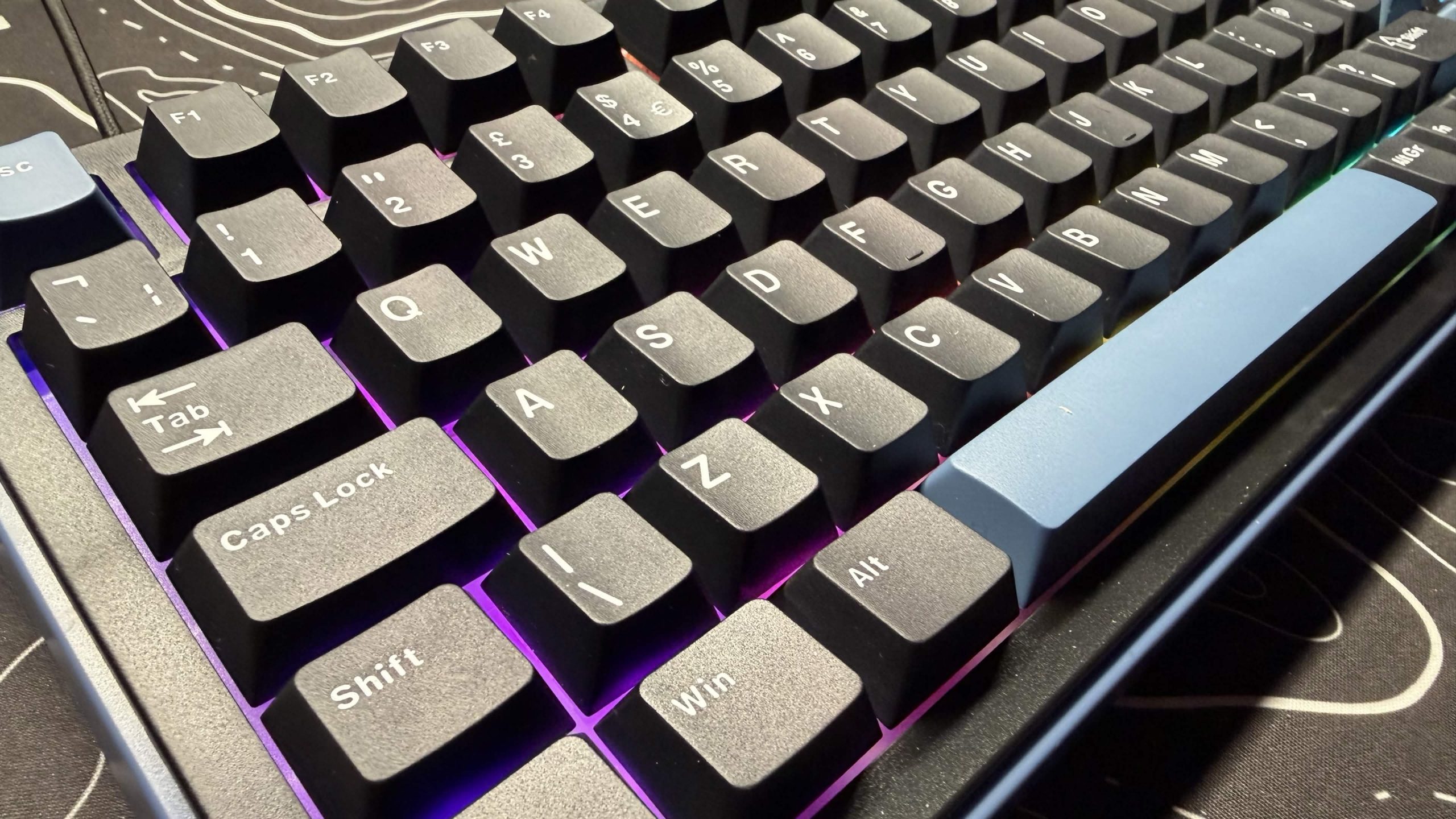
With a price tag of around £70, this keyboard hits all the high notes you’d expect. With the addition of this also being a wireless keyboard, available in 2.4GHz and Bluetooth. You really do get the perfect piece of kit for your setup.
Software
While there isn’t any specific software for the Ducky OK-M-98, it does support full key and macro customisation. This can all be done through the VIA Software; being web-based, it means that you don’t need to have any extra bloat installed on your computer, ensuring software doesn’t slow you down.
Final Thoughts
The keyboard is a great addition to any setup. Add in the fact that it’s far cheaper than a lot of other keyboards on the market. You really are getting a superb product for the price tag. With some great quality of life settings as well as some high specs without the flash.
The Ducky OK-M-98 receives the Thumb Culture Gold Award.

Disclaimer: A sample was received in order to write this review.

YouTube | Facebook | Twitter | Instagram | Discord | Podcast
About Author
