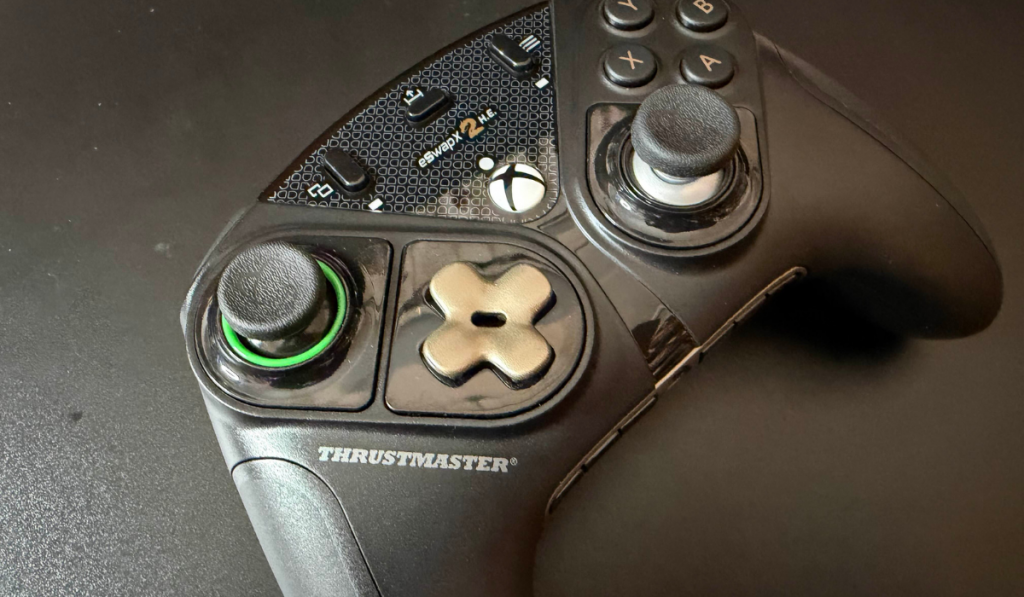
Are you looking to level up your gaming? Want to get a customisable Pro Controller that can help improve your skills? Well, with the Thrustmaster ESWAP X2 H.E, you might just become the next big thing! We were lucky to get hands-on with this controller, and let me tell you, it’s a game-changer!
Customise Your Way
This latest controller from Thrustmaster has been my daily driver when it comes to PC controllers, and I can’t wait to tell you about it… Oh wait, I don’t have to wait anymore! LETS GO!
Design
The design of the Thrustmaster ESWAP X2 H.E is what sets it apart from other controllers out there. Long gone are the days of “I prefer the Xbox sticks layout” or “my thumbs don’t stretch up that far” With the ESWAP X2 H.E you can move them however you want. Yes, that’s right, it’s modular. I know you might be thinking, that’s all fine and well, Stu, but what tools do I need? Well, I would respond to you simply in a word, none. Each module, and there are 3, is held in with incredibly strong magnets.
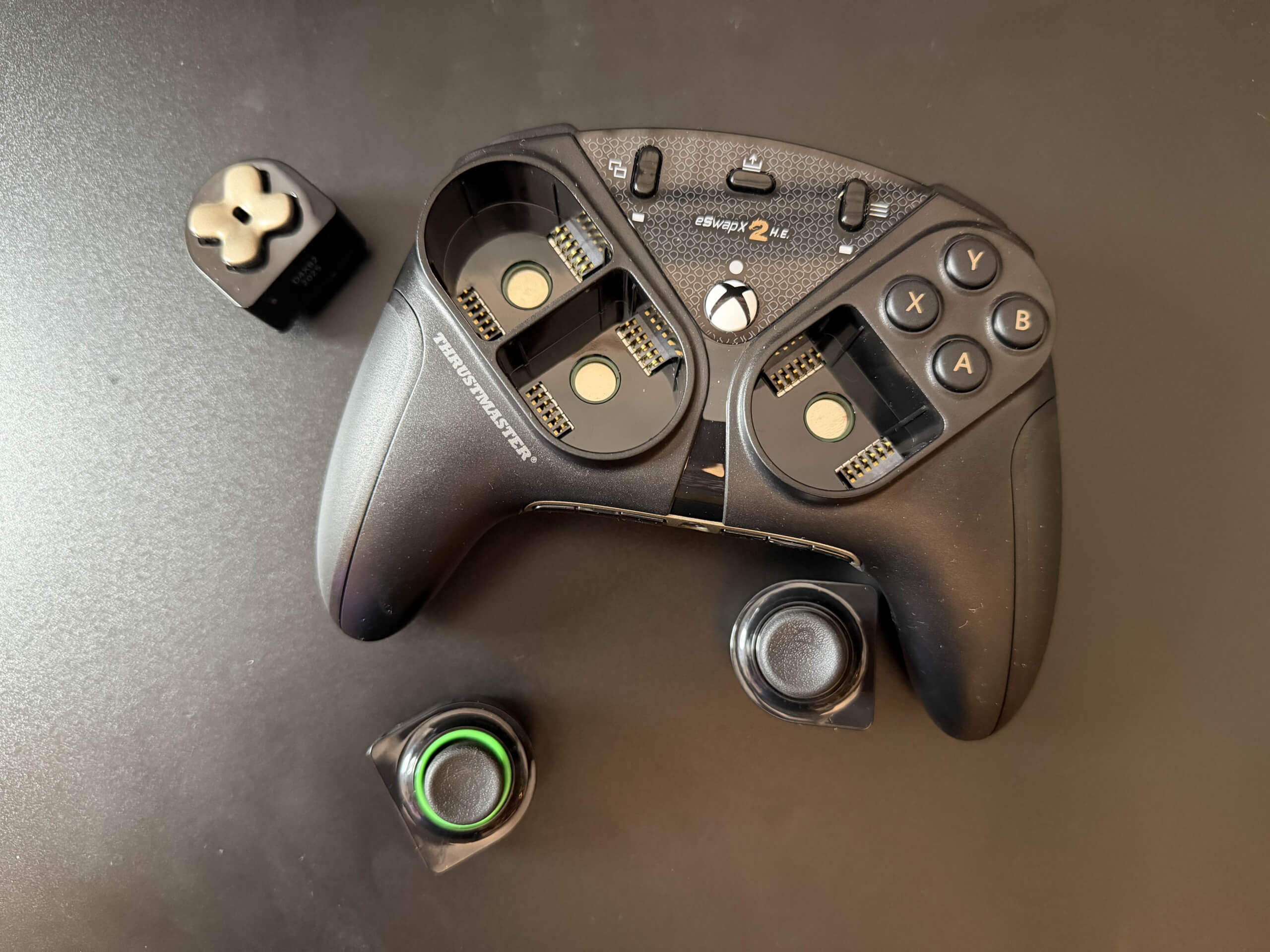
So just to be clear, you can’t move the face buttons, so that A, B, X and Y stay where they are. You can move both thumbsticks as well as the Dpad into whichever configuration you choose, although I’m not sure why you would want both thumbsticks on the left side of the controller. But I won’t judge you if that’s your jam!
Aside from that, on the face of the controller are the usual buttons you would find on a traditional Xbox controller. The menu button, the share button and the other one that nobody knows the name of, the VIEW button. Oh, and the great big Xbox button!
Flip It Over
Turn the controller around, and on its backside, you have 4 buttons on the back, that as standard relate to the face buttons. Above those are a couple of little toggles. What these do is turn on the hair triggers. So slide it across and the left and right trigger become super responsive for those FPS battles!
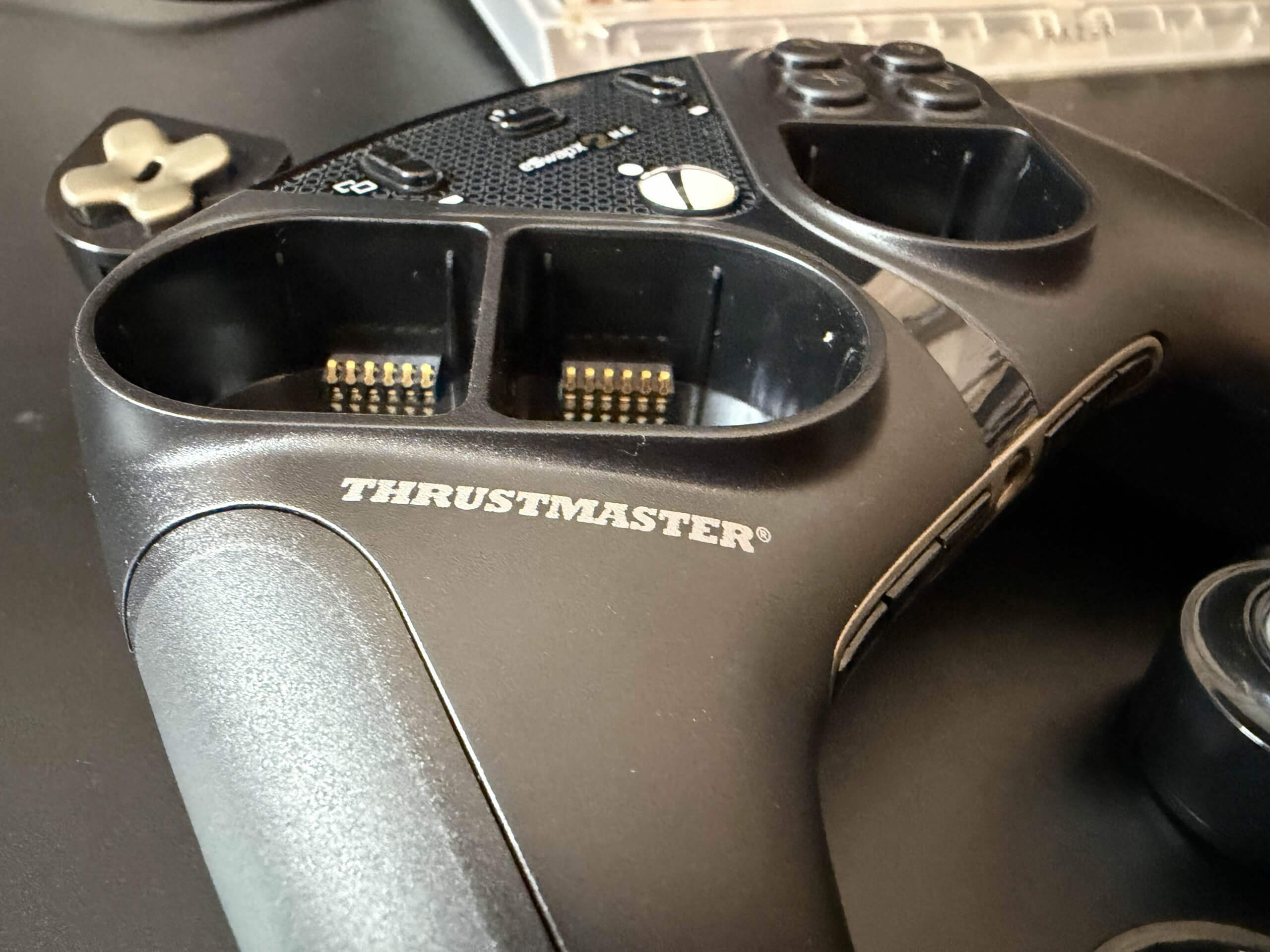
Looking at the bottom of the controller, you have a number of little buttons where the headphone port is. These give you control over the microphone that would be plugged in, as well as giving you the ability to map the rear buttons and switch between two on board profiles.
Customisation
The Thrustmaster ESWAP X2 H.E. is highly customisable. Just looking at the Thrustmaster website, there are a number of extras that you can purchase for the controller, from new stick modules and colour-coordinating packs. Through a racing wheel add-on, you have greater control over your racing games.
Aside from being able to customise the different modules, you can use the ThrustmapperX software to dive into reaction curves of the thumbsticks as well as set up your profiles depending on what games you want to play.
Compatibility
Coming with an included USB-C cable that’s 3 meters in length, it’s officially compatible with Xbox Series X/S, Xbox One and Windows. This will come as no surprise, as the controller has been designed for the Xbox.
Features
Without going into the minute details of the different features because let’s be honest, not many people want to know that the mechanical buttons used in the controller are 64% faster than traditional membrane-based buttons. Or maybe you do?
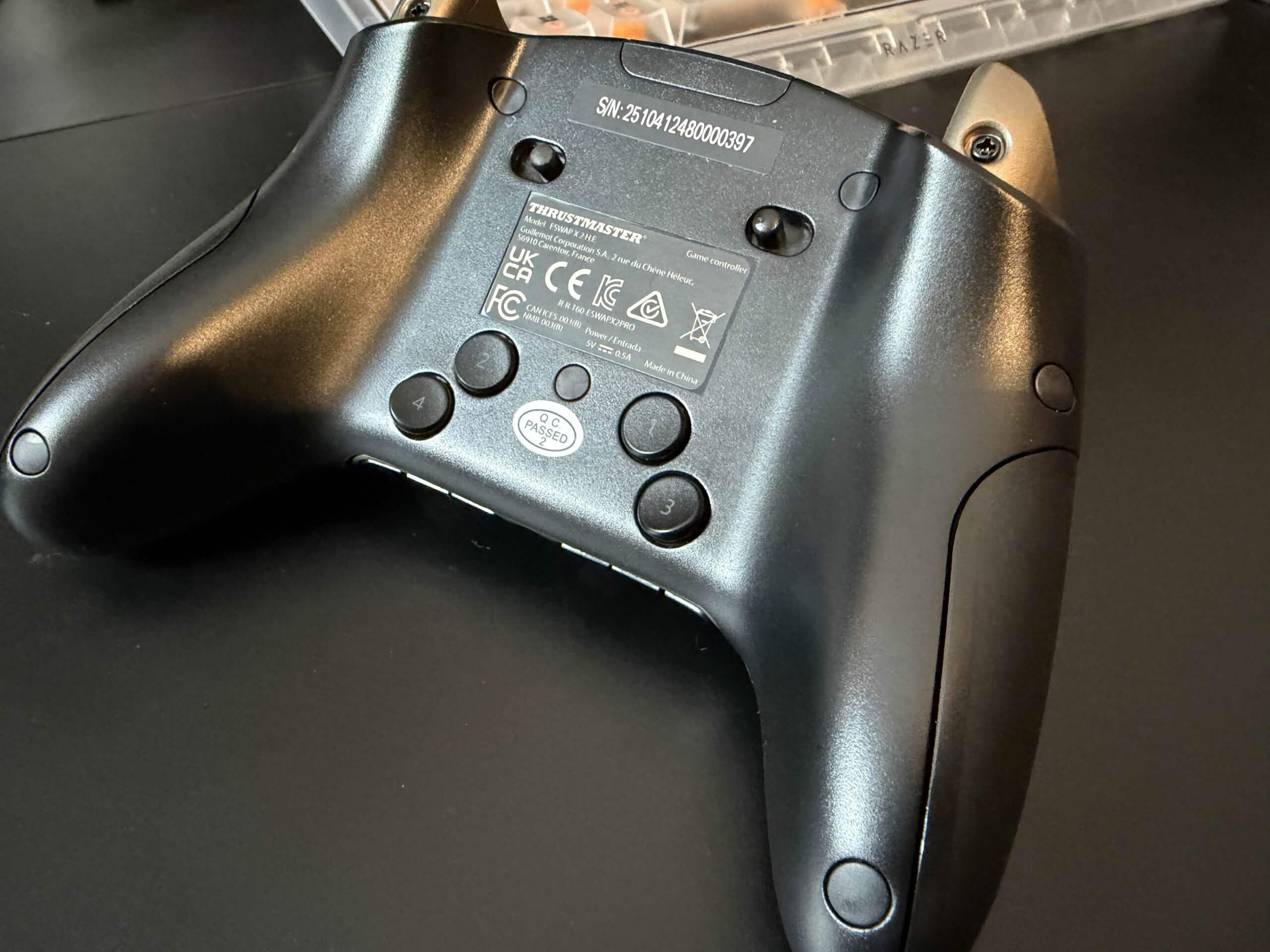
Well, some of the best features of the controller were covered in the design section. With the additional buttons on the rear, the swappable modules among the ability to use the software app to edit profiles. Another main feature of the controller is the D Pad. This has been specifically designed through close collaboration with experts to ensure that you get the best fighting game experience that you could want with a controller.
Finally, I need to talk about the fact that it incorporates the H.E.A.R.T tech, giving you precision and reliability. Eliminating the problem of stick drift, the controller will register mini movements to within 0.01 degrees. This new technology has been used in a number of Thrustmasters controllers recently. Give you incredible precision, reproducing your exact movement on the thumbsticks. It’s honestly an incredible addition to a controller!
Final Thoughts
Whilst pricy at £139.99 the Thrustmaster ESWAP X2 H.E. controller still is a great option if you are looking for a ‘pro’ controller. Whilst not being as expensive as maybe a Scuff controller. But in the realms of pricing of the Elite series of Xbox controllers. What this controller does offer is that extra bit of customisation that might be exactly what you want.
The Thrustmaster ESWAP X2 H.E. controller receives the Thumb Culture Platinum Award!

Disclaimer: A sample was received in order to write this review.
YouTube | Facebook | Twitter | Instagram | Discord | Podcast
About Author

I hope the D-pad can be moved to the right side, if it’s modular! Because I’m right-handed. I don’t understand why the D-pad is on the left. You have to do things that require precision and skill with it, like controlling your character. But my right hand is more skilled, so I could control it better with it. I can fire and jump with my left, but I need my right hand for precise navigation and movement. To my great regret, they don’t make “right-handed” controllers, even though there’s a mouse for the other hand. Why isn’t there a controller? Yes, actually all controllers are left-handed! If we play on a PC, with a keyboard, how do we control the character? And with which hand? Of course, with the arrows and with our right hand. And then when we buy a controller, suddenly the control goes to our left hand. I simply don’t understand. This is why I don’t buy a controller for PC, and I don’t buy a console because I wouldn’t be able to play with it. But if this type is such that you can also control the character with your right hand, then that could be good for me too! It’s just that it’s very expensive. 🙁
Hey thgere! Yes you can put the Dpad on the right hand side of the controller. I kind of see your point, however, you only control the look axis with your right hand on a mouse… you traditionally would have the look on the right thumbstick, your left hand does the WASD which is immitated with the left thumbstick on a controller.