
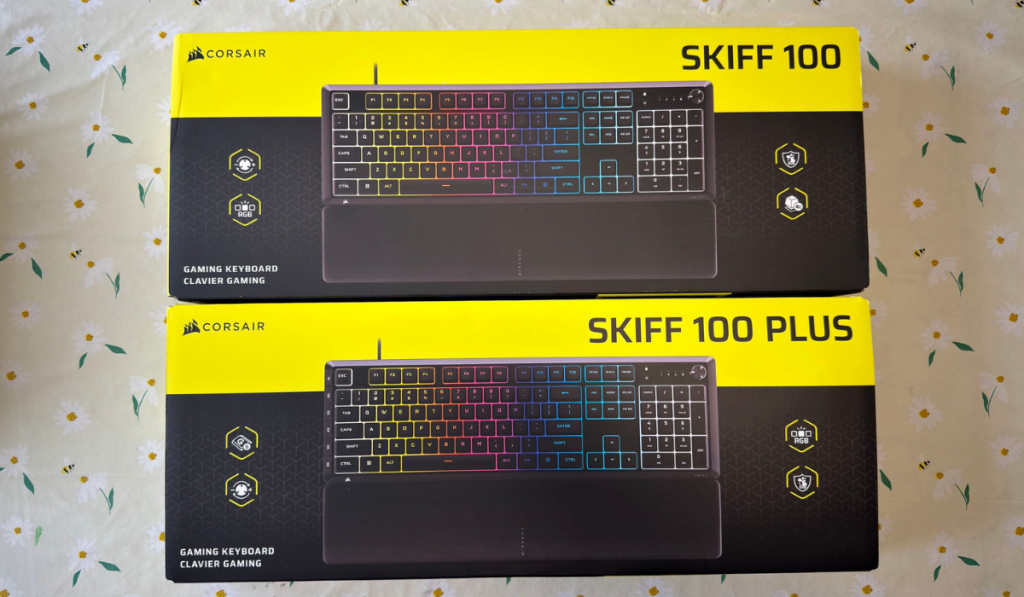
Corsair recently released a couple of keyboards into the budget lineup. The Skiff 100 and the Skiff 100 Plus. Now you’d be right if you made the assumption straight away that they are pretty much the same keyboard. In fairness, you’d be right.
Boats and Boats…Skiff!
Retailing at £49.99 and £59.99 for the PLUS version, the Skiff 100 range is aiming to give those starting out with PC Gaming a great foundation of hardware to start with. So just what does the Skiff 100 range have up its sleeve? Let’s dive in and find out
Design Features
As can be expected, the keyboard itself is made of a strong and rigid plastic. Its ok, though; being IP53 rated, it can survive accidental splashes, albeit not being entirely waterproof. Surviving gaming sessions is a great appeal of this keyboard. The membrane keys included won’t annoy anyone, especially being incredibly quiet. There are no special settings for actuation or anything like that, just pure, simple keystrokes. Add the detachable wrist rest with its soft rubber surface you have a setup that you can use for those long gaming sessions.
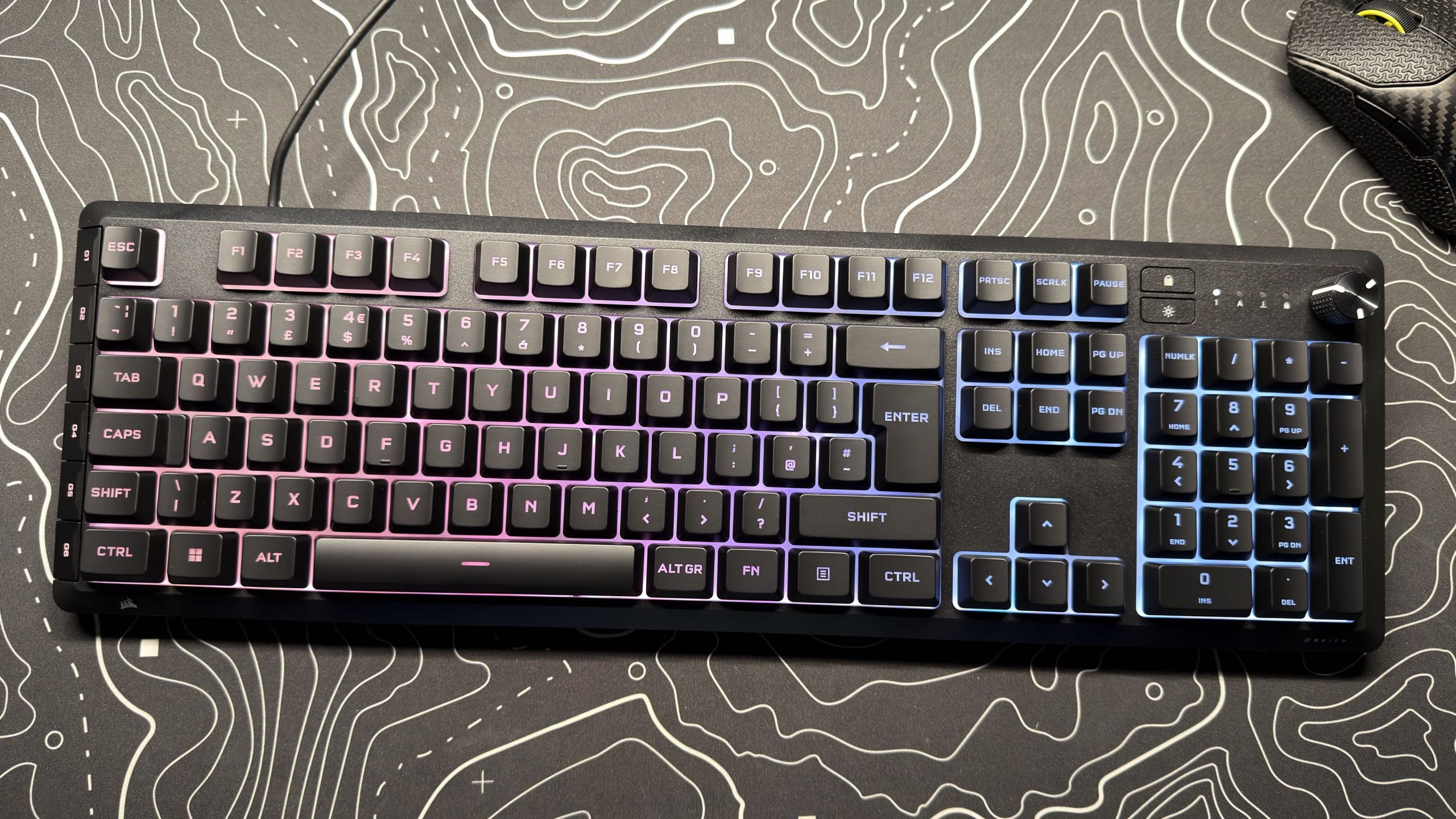
Here comes probably the biggest difference between the Skiff 100 and the 100 Plus. The Plus features 6 programmable G-Keys, giving you access to macros or even hotkey-based streaming commands. All are programmable through the Corsair Web Hub. Now the standard Skiff 100 can also program standard keys, but you have to assign them to your existing keys. Unfortunately, doing that overrides the key’s original function. For example, if you use F5, you will no longer be able to use it to refresh your web browser.
The keyboard has a rotary dial in the corner, which gives you control over volume, navigating music tracks, pause and mute. These quick controls come in handy in a multitude of situations, and I found using them intuitive on both the 100 and 100 Plus.
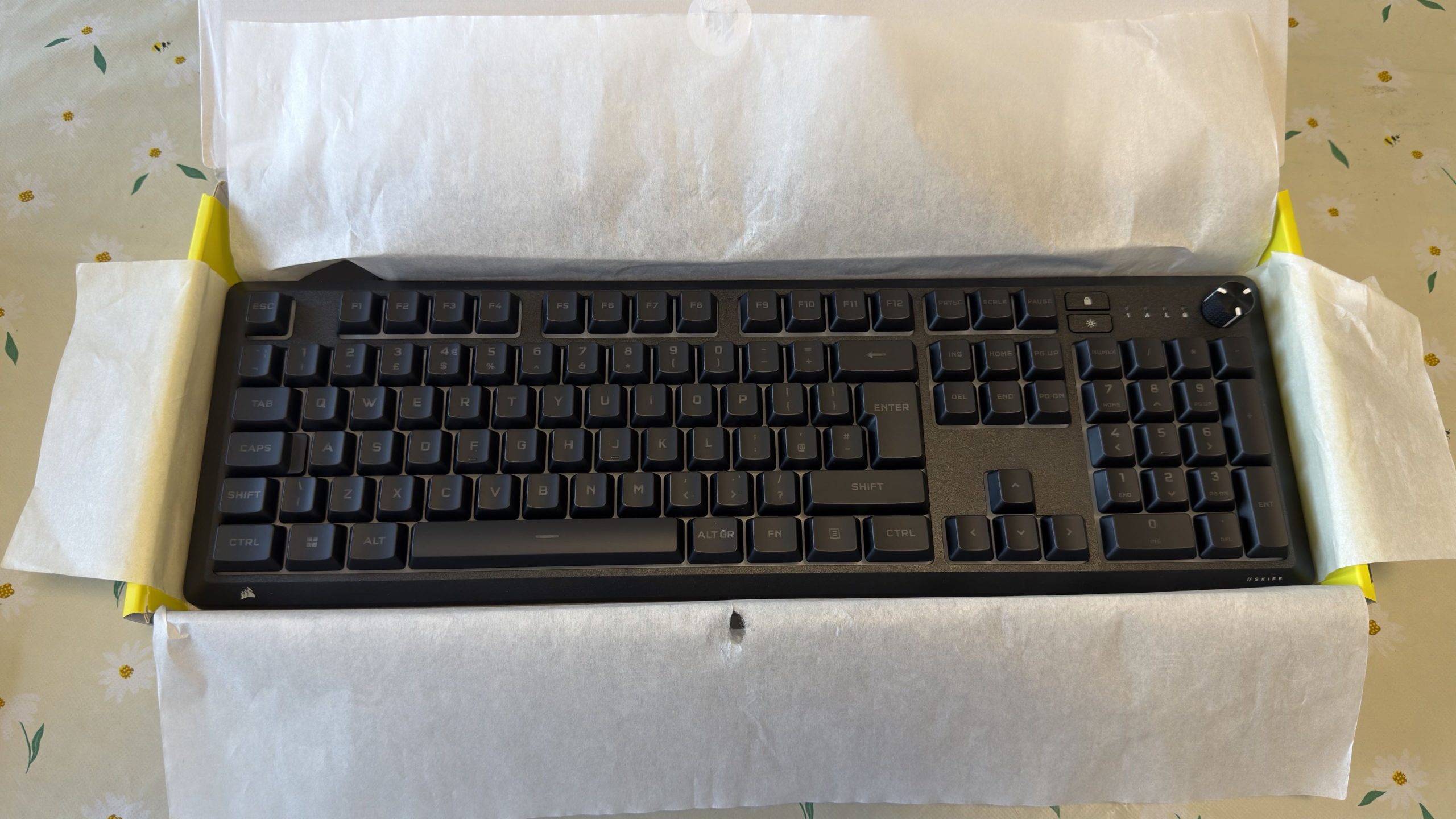
The final piece of the puzzle is the RGB. With a 10-zone lighting and dynamic effects setup, you can get the Skiff 100 to sit alongside whatever colour set-up you might have. All of the RGB is customisable within the Corsair Web Hub, but according to the Corsair website, coming by the end of September is the compatibility with the iCUE software.
Final Thoughts
So as you can see, both the Skiff 100 and the 100 Plus are very basic when it comes to some of the more expensive features in keyboards. This doesn’t come as a big surprise when the keyboards are priced the way that they are. What you do get, though, is the backing of one of the top peripheral creators out there: Corsair, to you and me.

So which one should you buy? I mean at the price they are, you may as well spend the extra £10 and go for the Skiff 100 Plus. It features a few neat extras that you will definitely make use of.
For pure value for money, the Corsair Skiff 100 and 100 Plus both receive the Thumb Culture Platinum Award.

Disclaimer: Samples were received in order to write this review.
YouTube | Facebook | Twitter | Instagram | Discord | Podcast
About Author
