
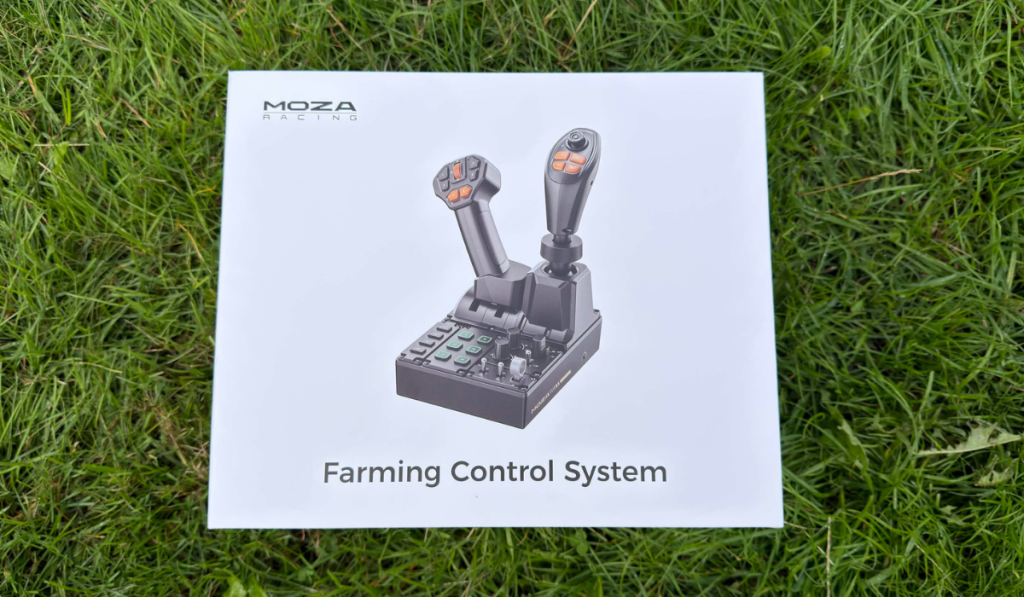
If you are a fan of Farming Simulators, then you might be aware of what Moza recently released. They’ve dropped what might become the next must-buy farming sim peripheral: the Moza FCS Farming Control System. Retailing at £179, this piece of kit brings some nice bits of technology to your game. Is it worth it though? I mean, that surely will depend on what you play.
Immersive Farming Without The Manure
If you play one of the compatible games, then honestly this review is definitely for you. We can still go through some of the features and help you decide whether to press that add to cart button.
Design Features
The first thing to know about the Moza FCS is that straight out of the box, it is compatible with a number of games. However, Farming Sim 25 is the only one that is advertised as being officially supported, meaning that it automatically maps controls via the USB connection. Being a physical controller means that, generally, the FCS would be compatible with any game, as long as you want to go through and map the buttons. So whilst there is only a select list on the Moza Racing website, be aware that I also used it on Wardogs to control the helicopters.
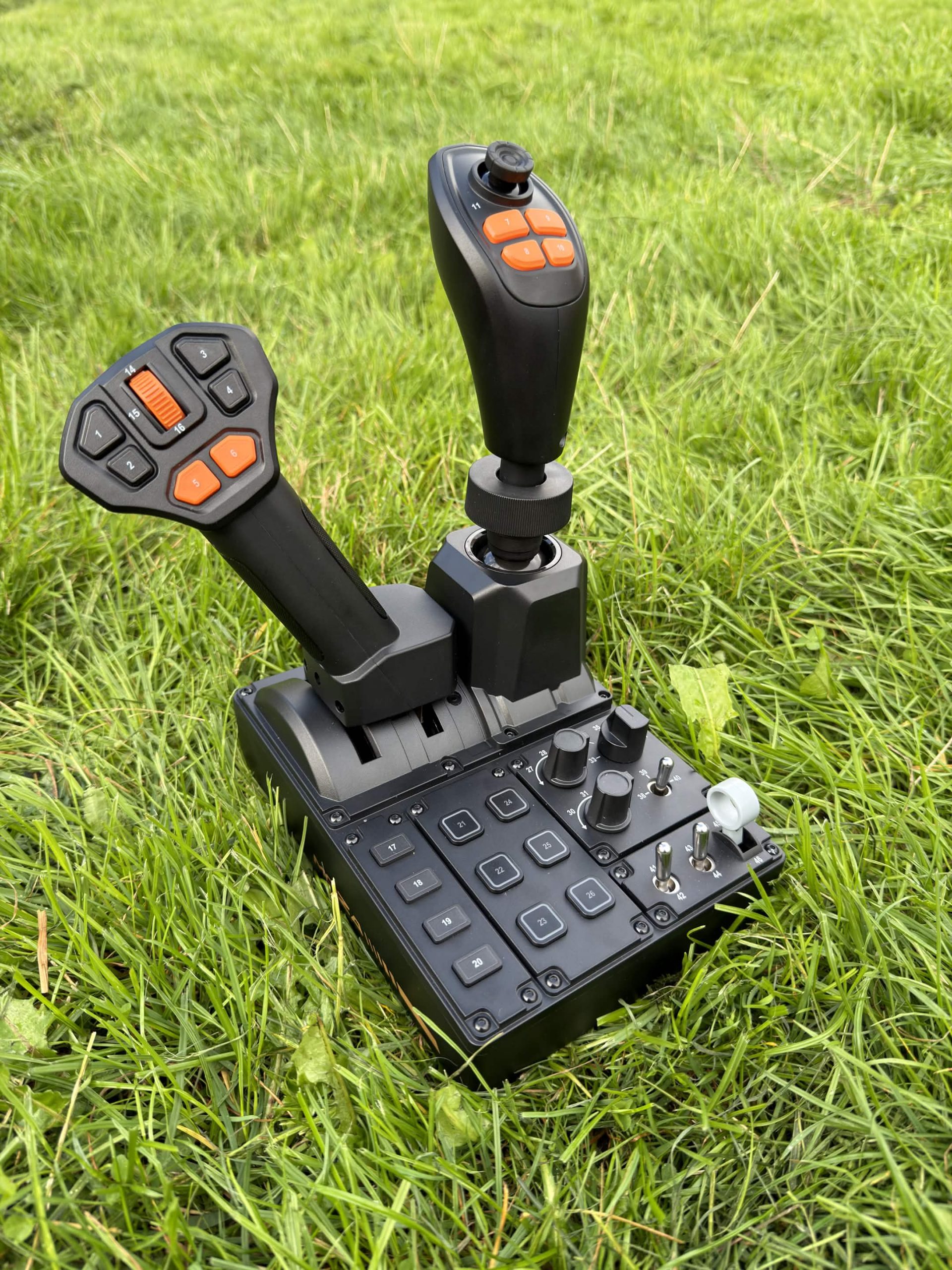
This all-in-one control solution includes a 3-axis joystick, a throttle lever and a multifunction panel. Giving the option to set up across a wide range of button configurations. Each button labelled nice and clearly so that you can correctly correspond to any in-game prompts. Featuring a whopping 46 programmable inputs across the entire device, you are not going to struggle to map everything. It really is a powerful piece of kit, with the joystick even including hall-effect technology to prolong the lifespan. Ensuring a smooth and drift free experience for as long as you need it.
The joystick itself has been designed with ergonomics in mind; whether you are left- or right-handed, you can reach each button with ease. Although the throttle is only one-sided, you can still make good use of it with the Moza FCS. Even with the Moza universal connector, you can switch different joysticks to get the perfect setup. Using the MOZA Cockpit software, these can all be easily configured.
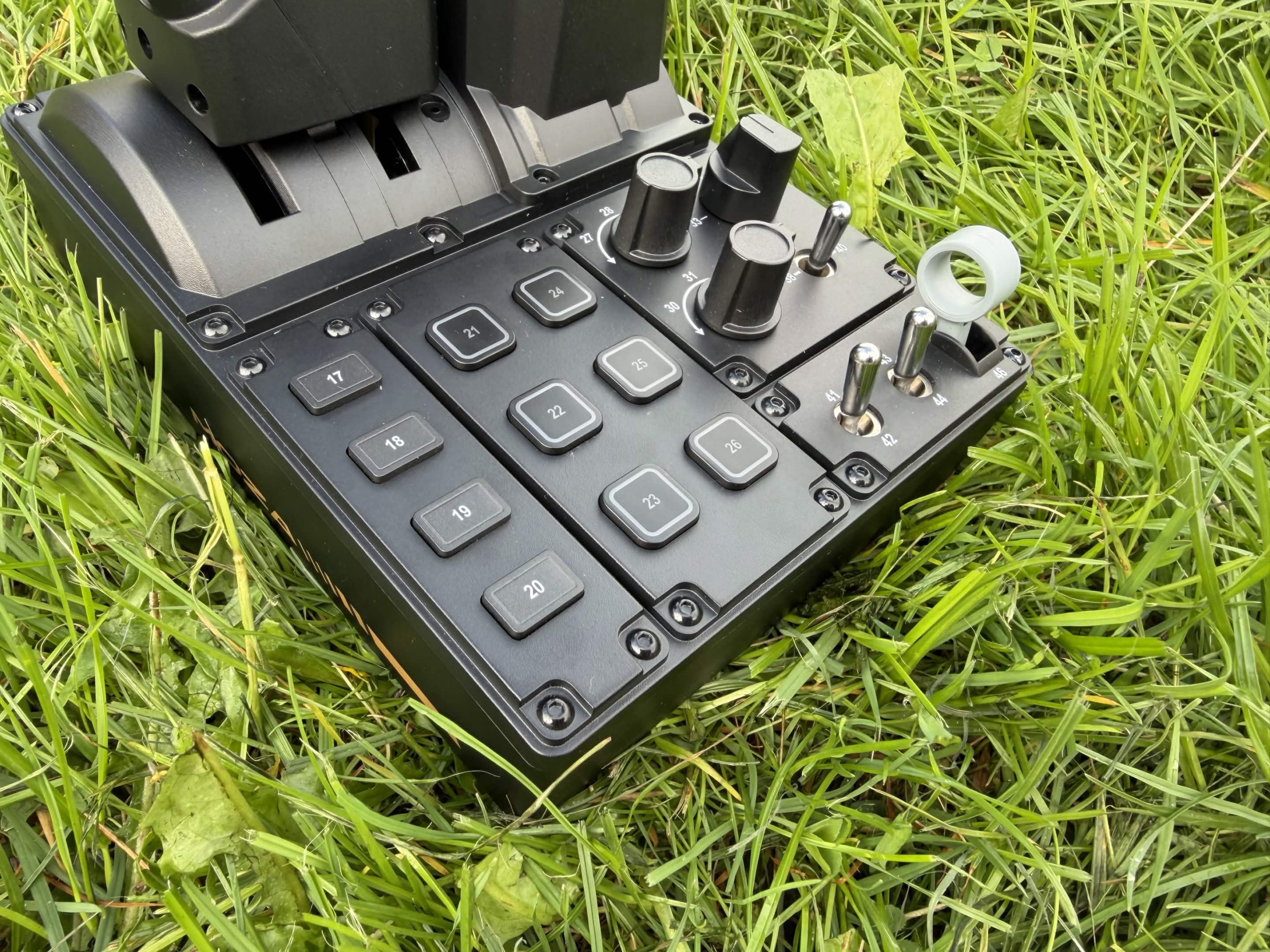
There is a scattering of RGB on the unit, in the form of 6 buttons on the base unit. Now, whilst this in no way adds to the appeal and function, it was quite nice to sift through the 16.7 million colours available through the software.
Buttons, All The Buttons
Now, as mentioned before, there are 46 buttons across the Moza FCS. These include 6 buttons on the throttle stick, along with 1 thumb scroll wheel. You also have 6 buttons, 4 on the front and 2 on the back of the joystick. Alongside a thumb joystick that also has a button when you press it down. Then, finally, on the panel there are 10 buttons: the 6 with RGB present, then 3 rotary knobs, 3 toggle switches and then 1 raise/lower switch.
The number of buttons on this is absolutely comprehensive and if you are playing Farming Simulator 25, you will automatically get setup whatever vehicle you are operating. You can, however, load up the MOZA Pit House software and customise whatever setup you are using. Ensuring that you are using the most comfortable button layout for your own play style.
Final Thoughts
The Moza FCS Farming Control System delivers great customisation on whatever game you are playing. With its own plug-and-play option for the latest Farming Sim game, if you are looking for something to up the immersion, then you really can’t go wrong. The only thing you need to ask is whether the price tag is too high for you?
The Moza FCS Farming Control System receives the Thumb Culture Platinum Award.

Disclaimer: A sample was received in order to write this review.
YouTube | Facebook | Twitter | Instagram | Discord | Podcast
About Author
