
Flight simulators are already incredibly immersive, but there’s always been something slightly strange about piloting an aircraft with a traditional controller. It works, of course, but there’s a difference between playing a flight simulator and feeling like you’re actually controlling the aircraft. That’s where the Thrustmaster TCA Sky Yoke comes in. Taking off, grabbing hold of a proper yoke and flying over locations I’m genuinely familiar with completely changed the experience. Suddenly, those movements on screen felt connected to something physical in my hands.
And that’s where this yoke really shines.
Design & Setup
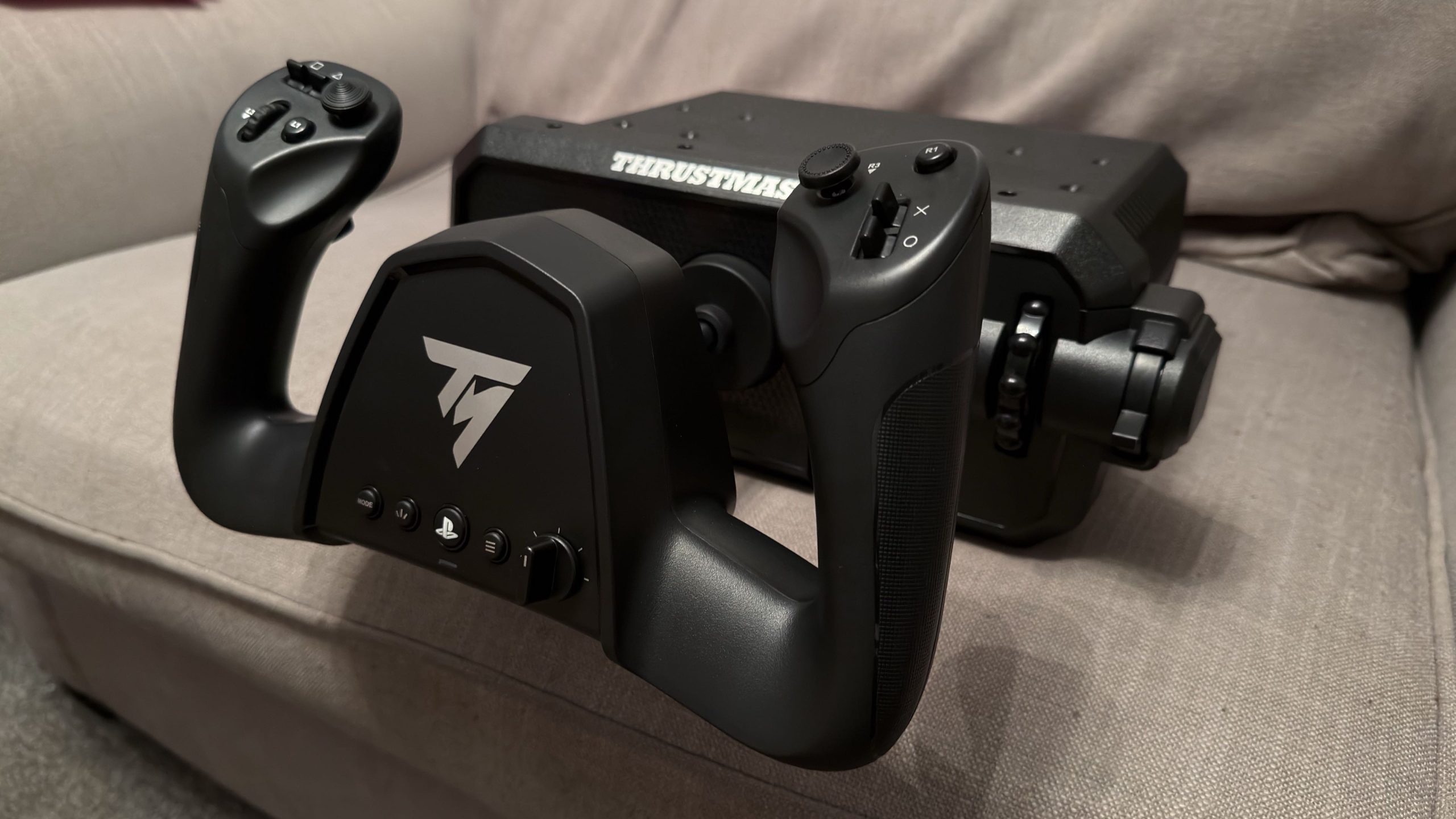
Straight out of the box, my first impression was that the TCA Sky Yoke was surprisingly light. There’s a lot of plastic in the construction and, if I’m being critical, that’s probably the biggest indication of where Thrustmaster has kept the price accessible. Thankfully, lightweight doesn’t mean flimsy. The yoke still feels sturdy, with no worrying flex or sense that it’s going to bend or warp when things get a little more enthusiastic in the cockpit. Setting everything up was equally straightforward.
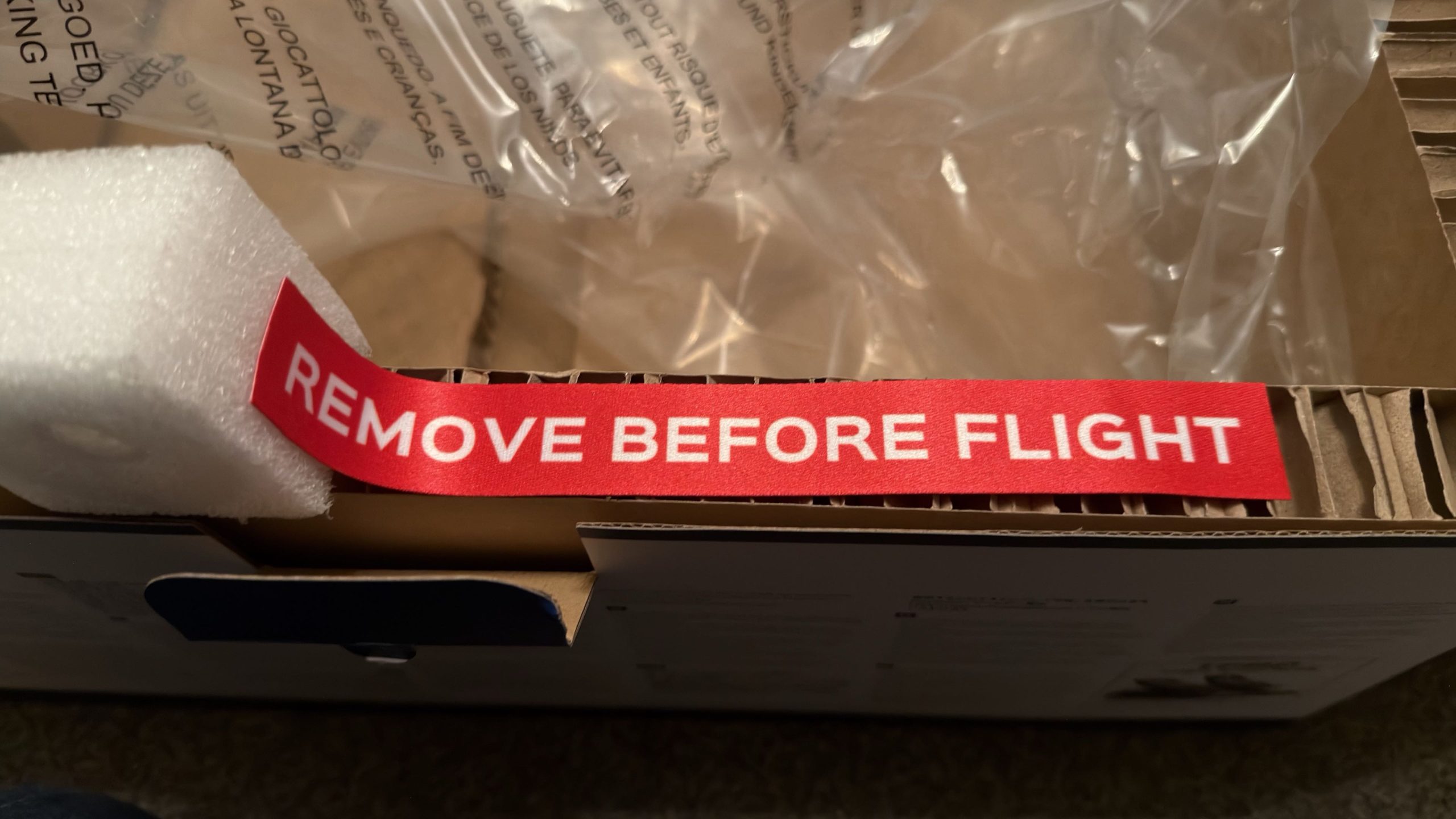
Once I’d found a suitable surface for the mounting system, getting everything connected was essentially a plug-and-play experience. Tightening the mount left the yoke firmly planted in position and I experienced no unwanted movement while flying. Considering peripherals like this can sometimes turn into an evening of tweaking settings rather than actually playing the game, being able to get flying so quickly was refreshing.
Taking To The Skies
Once you’re in the cockpit, any concerns about that plastic construction disappear pretty quickly. The yoke feels smooth and precise. There was seemingly no play in the movement during my testing, meaning small adjustments felt natural and translated nicely into what was happening on screen. Rather than fighting the hardware, I could simply concentrate on flying. That precision was particularly enjoyable when jumping into smaller, more manoeuvrable aircraft. I tested the yoke across a range of aircraft on PlayStation, moving from smaller single-prop planes through to considerably larger airliners. Switching between them felt completely natural, although personally I found the smaller aircraft allowed the yoke to shine.
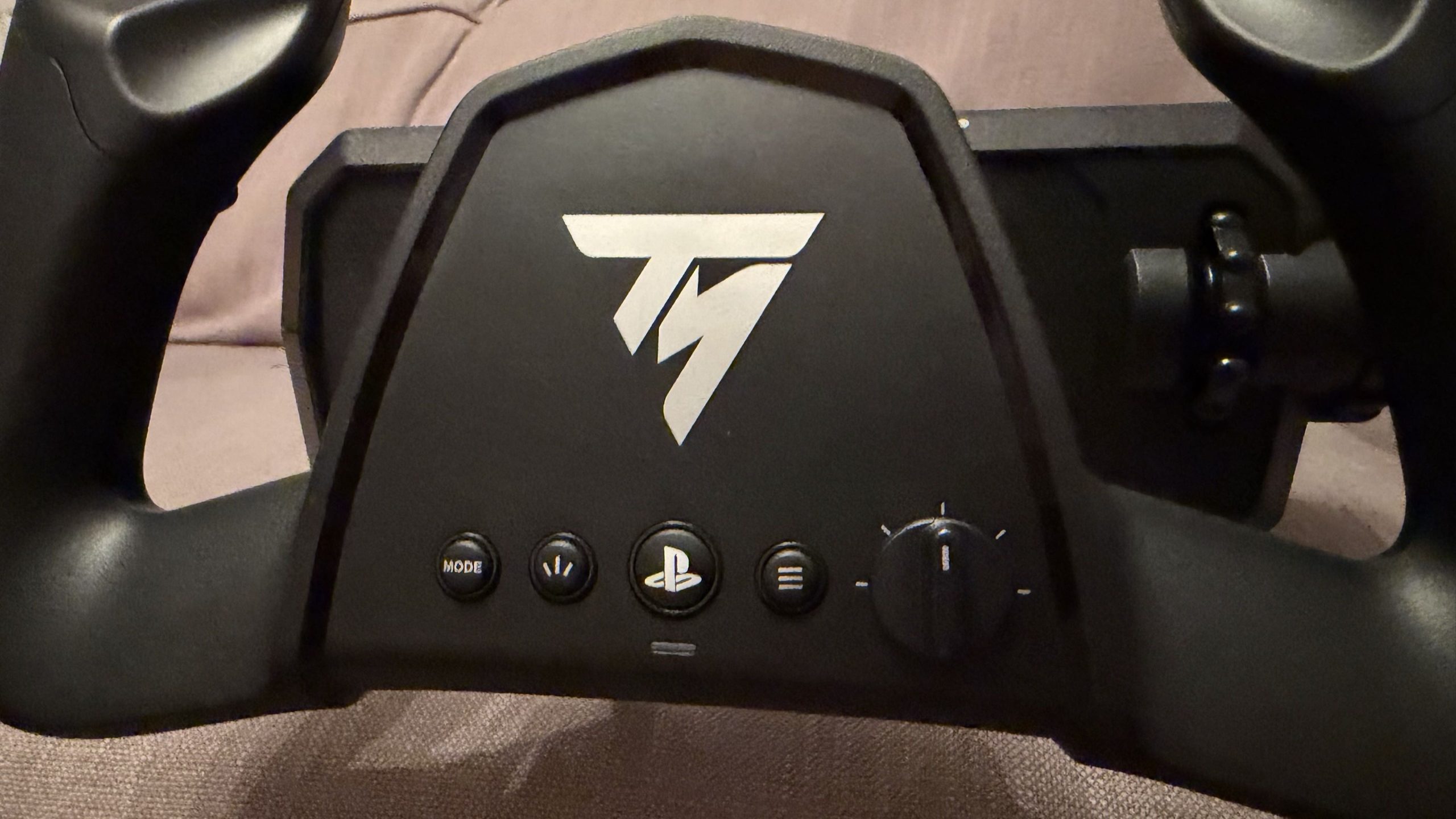
Being able to make more frequent corrections and throw the aircraft around a little more really highlighted just how responsive the controls felt. The various buttons are also positioned naturally around the yoke. They were easy to locate and press without having to constantly look down to figure out where everything was. It all contributes to an experience where the hardware quickly stops being something you’re consciously thinking about. You’re just flying.
Immersion Is Everything
This is ultimately what separates the TCA Sky Yoke from simply using a traditional controller. The increase in immersion is dramatic. Taking off and flying around somewhere you recognise is already one of the most impressive things about a modern flight simulator. Add a physical yoke into the equation and the experience steps up another level. You’re no longer moving a thumbstick and watching an aircraft react. You’re physically pushing, pulling and turning a control that feels connected to the aircraft on screen.
It’s difficult to appreciate quite how much of a difference that makes until you’ve experienced it. The yoke also remained comfortable throughout my testing. I never found myself fighting excessive resistance or becoming uncomfortable during longer sessions. In fact, I could quite happily imagine using it for flights lasting several hours. That’s particularly important for a product like this. Precision counts for very little if you’re desperate to let go of the controls after an hour.
PlayStation Experience
The PlayStation experience was impressively seamless. Rather than feeling like a PC flight-sim peripheral that’s somehow been adapted to work on a console, everything came together naturally. That ease of use also makes the TCA Sky Yoke an appealing proposition for someone who wants to take their first step beyond a conventional controller. You could obviously continue adding dedicated flight-sim hardware and eventually disappear down the rabbit hole of throttles, pedals and increasingly elaborate cockpit setups.
But you don’t need to. I tested the yoke as a standalone product and never felt as though I was only getting part of the experience. If you’re buying your first dedicated flight-sim controller, there’s plenty here to transform the way you play without immediately requiring additional hardware.
Price vs Build Quality
The one notable criticism I have is the plastic construction. I’d naturally prefer something that felt a little more premium in the hands, particularly with a peripheral that’s going to become the centrepiece of your flight-sim experience. But there’s an important distinction between something being made from plastic and something feeling poorly made. The TCA Sky Yoke never felt poorly made. It remained sturdy, mounted securely and, most importantly, the actual mechanism felt smooth and precise throughout my testing. I’d therefore consider the materials an understandable compromise given the price rather than a significant criticism of the product.
Conclusion
The Thrustmaster TCA Sky Yoke manages to achieve something surprisingly important: it makes an already immersive experience substantially more immersive. That’s ultimately what you’re paying for. It feels smooth, precise and natural to operate, while its controls fall comfortably to hand. The mounting system remained rock-solid once secured and the seamless PlayStation experience meant I spent my time enjoying the hardware rather than configuring it. There is plenty of plastic, and that’s certainly the area where I’d like to see a little more premium construction. But the quality of the mechanism underneath matters far more to me than simply adding weight for the sake of making something feel expensive.
For newcomers in particular, I think there’s a compelling proposition here. You don’t need a room full of flight-sim equipment to enjoy it. The yoke alone makes a dramatic difference, giving someone taking their first steps into dedicated flight-sim hardware a far more convincing way to control their aircraft. Then there’s that moment when everything comes together. Taking off, banking around somewhere you actually recognise and having the physical controls in your hands is an experience that a traditional controller simply can’t replicate in quite the same way.
For its precision, accessibility and ability to dramatically increase immersion without demanding an elaborate simulator setup, the Thrustmaster TCA Sky Yoke earns the Thumb Culture Gold Award.
Disclaimer: A sample was received in order to write this review.
YouTube | Facebook | Twitter | Instagram | Discord | Podcast
About Author
