
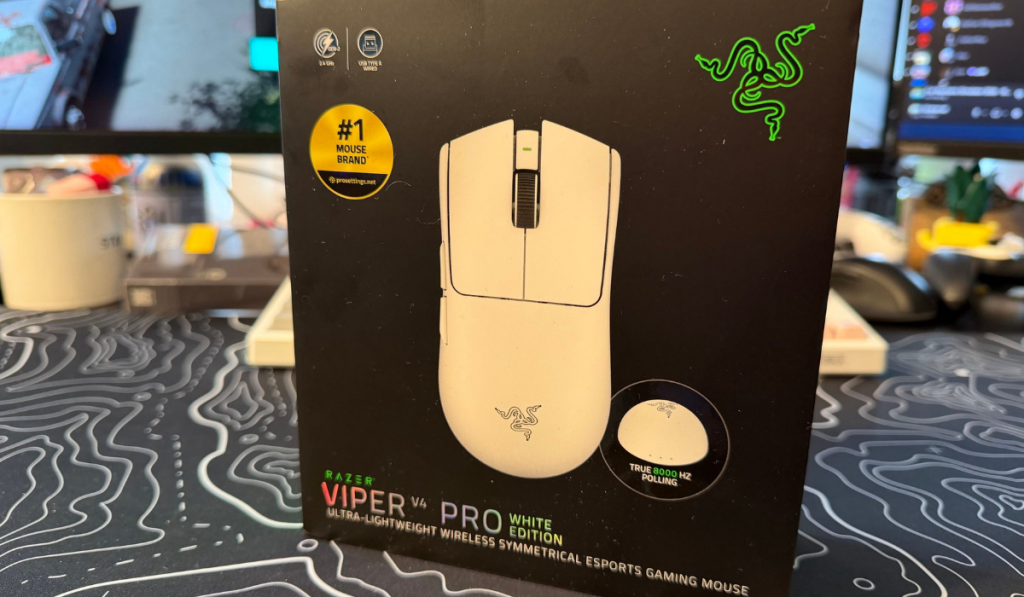
Razer keep releasing mice, and boy, is it hard to keep up! This time, they’ve released an updated version of one of their most popular mice. This one is the Viper V4 Pro. Touted as The Choice of Champions, it’s been fully upgraded, but just what does that mean? Retailing from £159.99 and coming in black or white you can get a nice upgrade to your colour scheme, whatever it may be. Is it worth it though?
This Viper Bites
One thing that surprised me is that this is the first mouse from the Viper family that we’ve covered here at Thumb Culture. Boy, what a mouse to start with! Let’s dive in and find out just what makes this good to use!
Design Features
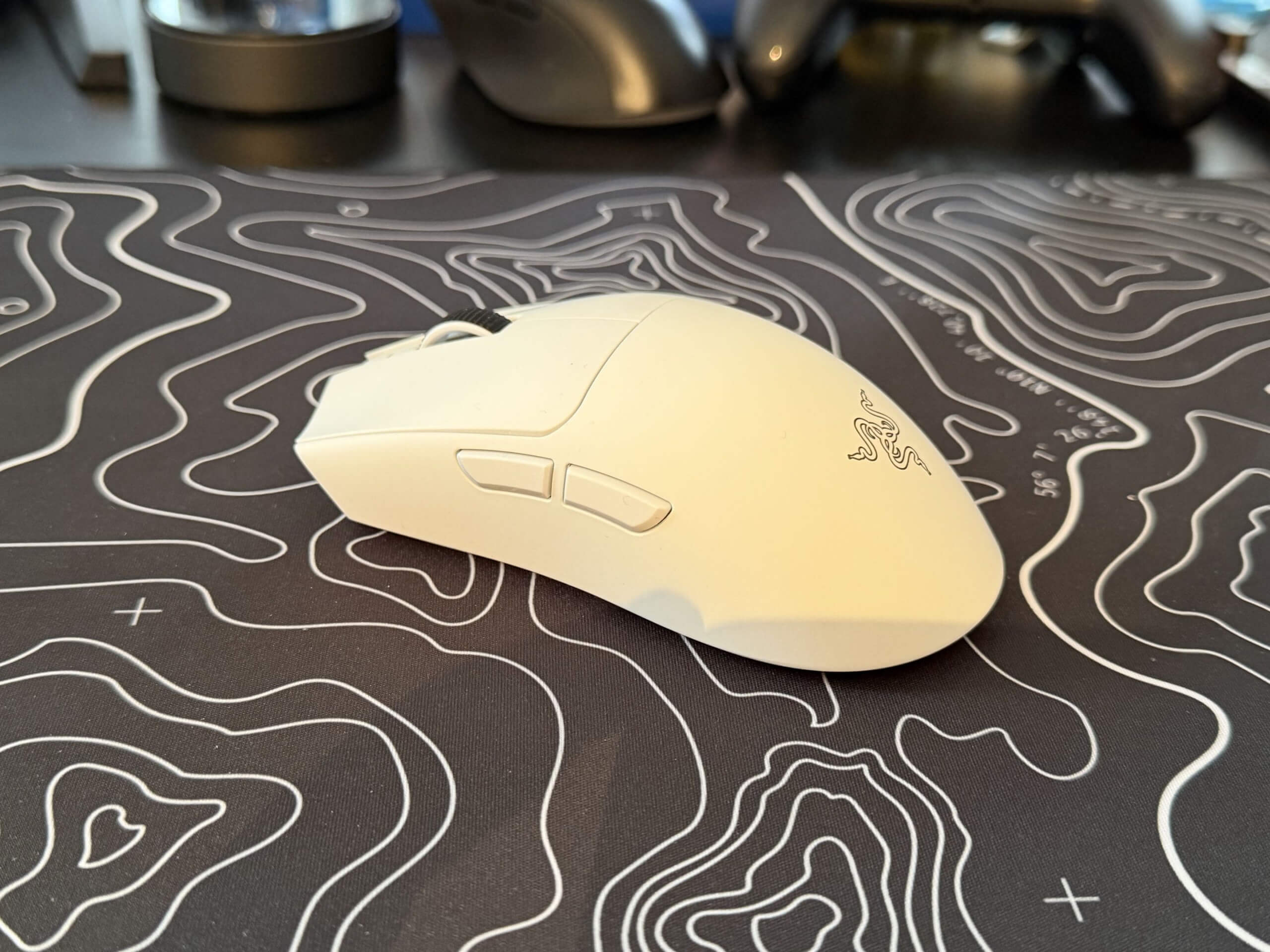
It features the same standard shape of the previous Viper offerings, however its slightly lighter than its predecessors. Weighing only 49g for the black version and 50g for the white, this is the same as a Dwarf Hamster, so you know this thing is going to be light. Although it wont bite quite as much. With separate side buttons designed to prevent any misclicks. Large feel for a better glide feel on whatever mousepad you may have. Then a smooth finish that feels nice and soft, but is incredibly easy to grip. It feels great in action.
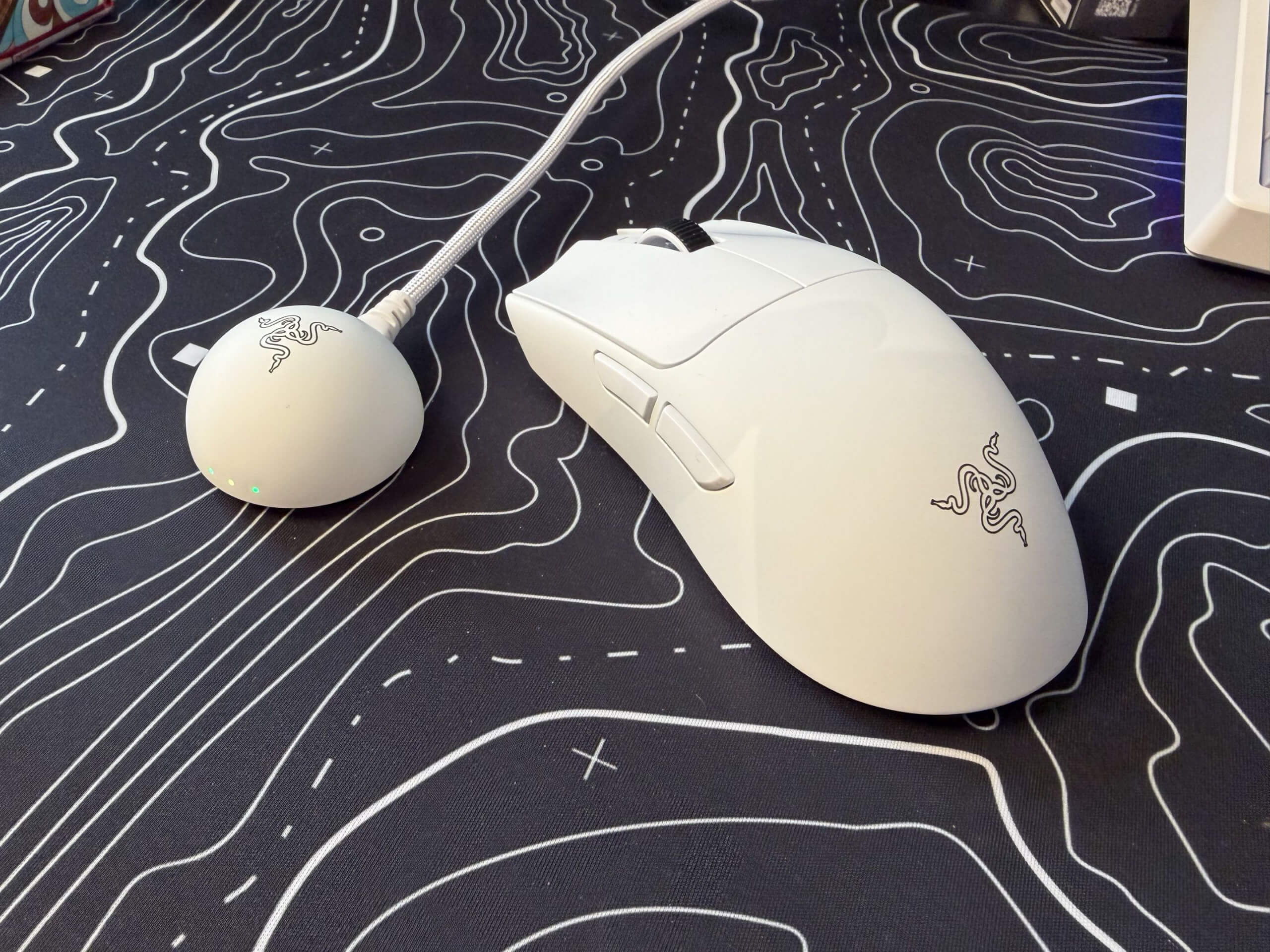
One thing that was a welcome surprise was teh change of dongle. Included in the Viper V4 Pro is a dome-like dongle. Using the Razer Hyperspeed Wireless Gen-2 syste, it aims to be over 60% more efficient. Flashing latency by 55% of the previous generation of dongles. This might even prevent those annoying little drops in connection that wireless dongles quite often suffer from.
The responsiveness of this mouse is incredible. With some eSports pros giving it a incredibly positive review. In numbers though, the motion latency is at low as 0.36 ms which is over 2x better than the competitors. Then the click latency is another good news story, 0.33 ms for the side buttons, which is 5x faster than the competitors. Even those numbers alone give good news to gamers out there looking to get the upper hand over the competition.
The mouse has new tech inside as well. With an all-optical sensor, it also incorporates Frame Sync Technology. The Viper V4 Pro has the industries first sensor that aligns every sensor frame with the polling cycle of the mouse. Ensuring that you are getting faster and more consistent aim at the same time as having better power efficiency with no wasted sensor updates.
Strong Yet Sensitive
Something that i’ve not come across before in a mouse is Dynamic Sensitivity. This can be configured and you can select from 3 preset curves. In essence this allows you to go from low to high sensitivity automatically, all based on your hand speed and profile choice. So if you need to spin around quickly, you can make a quick swipe and you can do a half rotation. This is handy for people who find that sometimes they need multiple swipes to do those movements. This means you can have the low sensitivity accuracy, but with the high sensitivity twitch shots.
You can set up the Rotation Tool, this is for gamers who naturally hold their mouse on a slant. Meaning that the direction isn’t relative to the angle of the mouse, but instead the setup of the mouse.
The Synapse software gives you a lot of extra tools to play with. The one that I think might be most useful is the sensitivity matcher. Effectively you hold both mice next to each and move at the same time and depending on the settings you put in, it matches up with your current DPI.
With up to 180 hours of battery life, you are never going to run out at the most inopportune moments. Especially with the dongle giving you the information you need right away. With three LED indicators, giving you a quick glance at Connection Status, Battery Life, and Polling Rate. Each light changes colour to represent different settings. So Battery Life, 100% is green, then Yellow for 75%, Orange for 50% and go below 25% and you’ll get a red light. It would have been good if they’d gone for the same number order for other things. Polling Rate has a red light when its on it’s highest. It’s just a little thing, but it might annoy some people.
Final Thoughts
Razer have to stop releasing mice that change the game like this. The Viper V4 Pro has some settings that may well just set the new standard. With the new dongle it shows that Razer are trying something new. Along with the software options in the Synapse software it really is aiming to be in the hands of as many gamers as possible. I mean eSports pros get paid, and if they chose this mouse, it definitely says something about it.
The Razer Viper V4 Pro receives the Thumb Culture Gold Award.

Disclaimer: A code was received in order to write this review.

YouTube | Facebook | Twitter | Instagram | Discord | Podcast
About Author
