
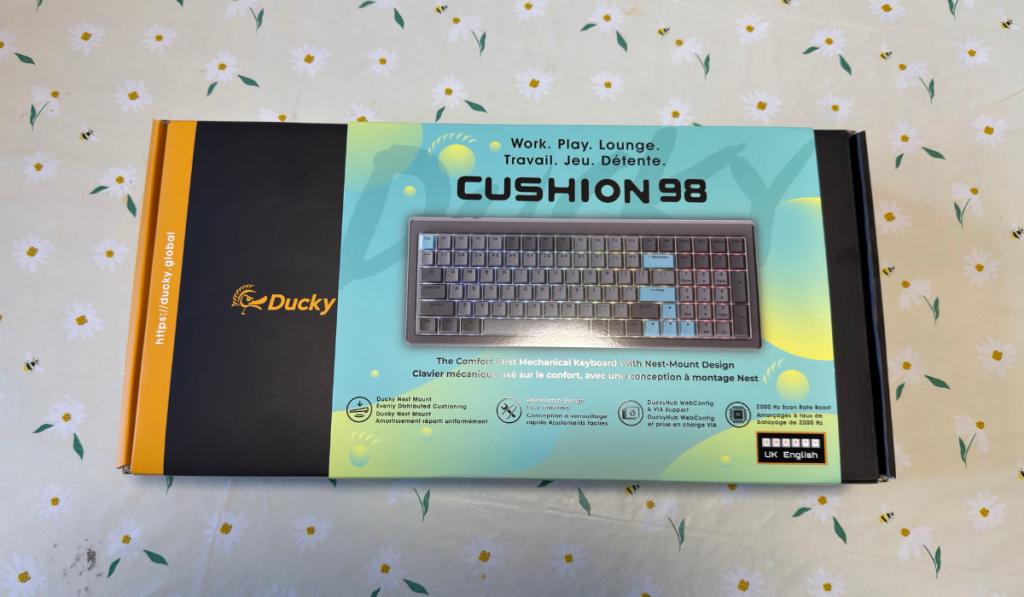
If you are a fan of Ducky keyboards, then we’ve got something pretty special. The Ducky Cushion 98. This 96% – I know, but what about the 98? Look, I don’t make the rules; I just review them. Retailing at around £149.99 at Overclockers, this keyboard offers some pretty good features. Let’s dive in and check out some more details.
Quack Quack Quack
Whilst some might think that this is an expensive keyboard, it comes littered with Duckys signature features. Some you probably won’t expect, but others you will absolutely love. Let’s dive in!
Design Features
Generally, with a Ducky keyboard, you know what you are getting. You are getting a well-engineered desk friend, one that always gives great performance. I mean, Ducky has become my daily driver when it comes to keyboards. The Ducky Cushion 98 is no different. Whilst it’s not replacing my OK-M, it certainly gave it a run for its money. Featuring the Cushioned Nest Mount, ensuring optimal acoustics by evenly distributing the internal cushioning materials to improve sound dampening. Meaning those clicks are not clacking. You can remove or replace those layers as well, giving you customisation options for days.
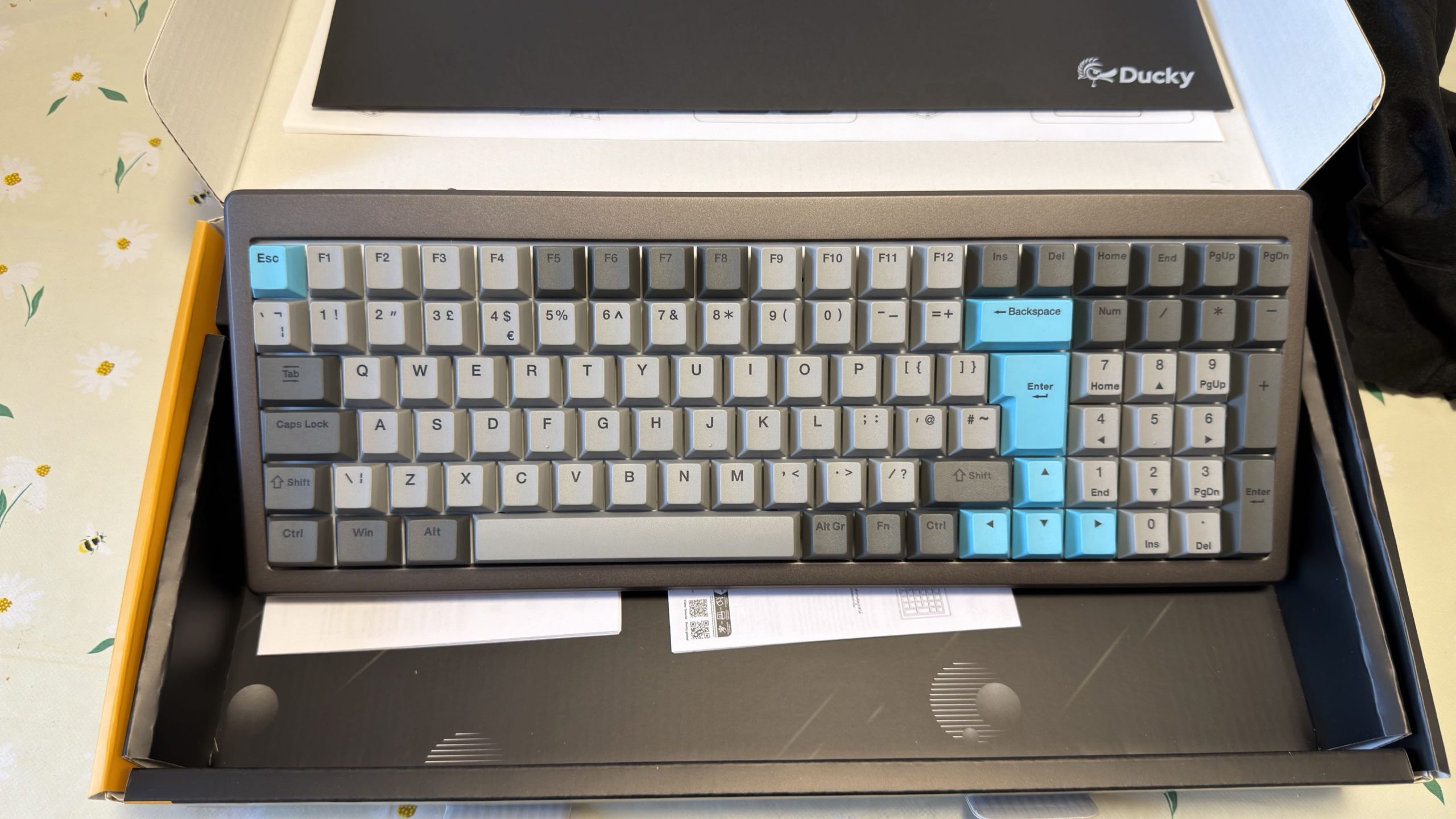
Using the Ducky Shush Switches, these near-silent mechanical switches are actually pretty impressive. I usually like a little sound behind my keyboard, just so that I know I’ve pressed a key. These silent switches on the Ducky Cushion 98 were a little bit disconcerting at times. The click of a mechanical keyboard lets you know that you’ve pressed the keys enough to activate them. Without them, it was sometimes a little bit of a wonder if you’d hit the right key or not. Now some people will be able to work with the silent keys, and a lot will enjoy. For me, however, they were a little too silent.
The Ducky Cushion 98 has a tri-connectivity mode, allowing you to swap easily between three different connection modes. 2.4GHz wireless, Bluetooth and USB-C, easily swapping between them using the toggle on the keyboard. Continuing the customisation with hot-swappable switches, allowing you to get rid of the silent switches for something else you might prefer. Making use of the browser-based Ducky Hub you can map macros, adjust the RGB lighting and get the keyboard setup just perfect for your needs.
Final Thoughts
So the Ducky Cushion 98 is going to appeal to a massive audience, with the silent switches and customisation options. Whilst it wasn’t the perfect keyboard to take over the OK-M, it certainly came close. Yes, I could have swapped out the switches, but what would the point have been? I’m still using a well-engineered Ducky keyboard. With features that make this keyboard worth your while, is it worth the expense? Yes, it’s a Ducky after all!
The Ducky Cushion 98 receives the Thumb Culture Gold Award.

Disclaimer: A sample was received in order to write this review.
YouTube | Facebook | Twitter | Instagram | Discord | Podcast
About Author
