



If you are like me, you love constantly changing up your keyboard for something new. Then I might have found your next obsession. The KiiBOOM Phantom 98, a completely transparent keyboard that looks insane. Bear in mind that it’s quite costly, with an RRP of over £200, it might be a little pricey for most budgets. Is it worth it, though? Let’s find out.
Can You See Through This Great Keyboard?
Regular readers will recognise KiiBOOM as the makers of the Phantom 81 Lite, recently reviewed by Charlotte. Today not only are you going to get a rundown of what makes the KiiBOOM Phantom 98 keyboard worth your time. You are also going to get a glimpse into their Meow Pudding Keycap set. I hear you gasp, what’s this, an extra part of the review? Well, we do like to treat you!
Design Features
Starting off with the build quality, and damn, this thing is crazy solid. Made of a solid acrylic frame, with plenty of sound-dampening as well. You can see the PCB through the clear plastic, and it looks incredible. With hot-swapping technology, you can make sure your switches suit your typing style. Fancy something a little more clicky? Then just plug them straight into the PCB. No soldering required.

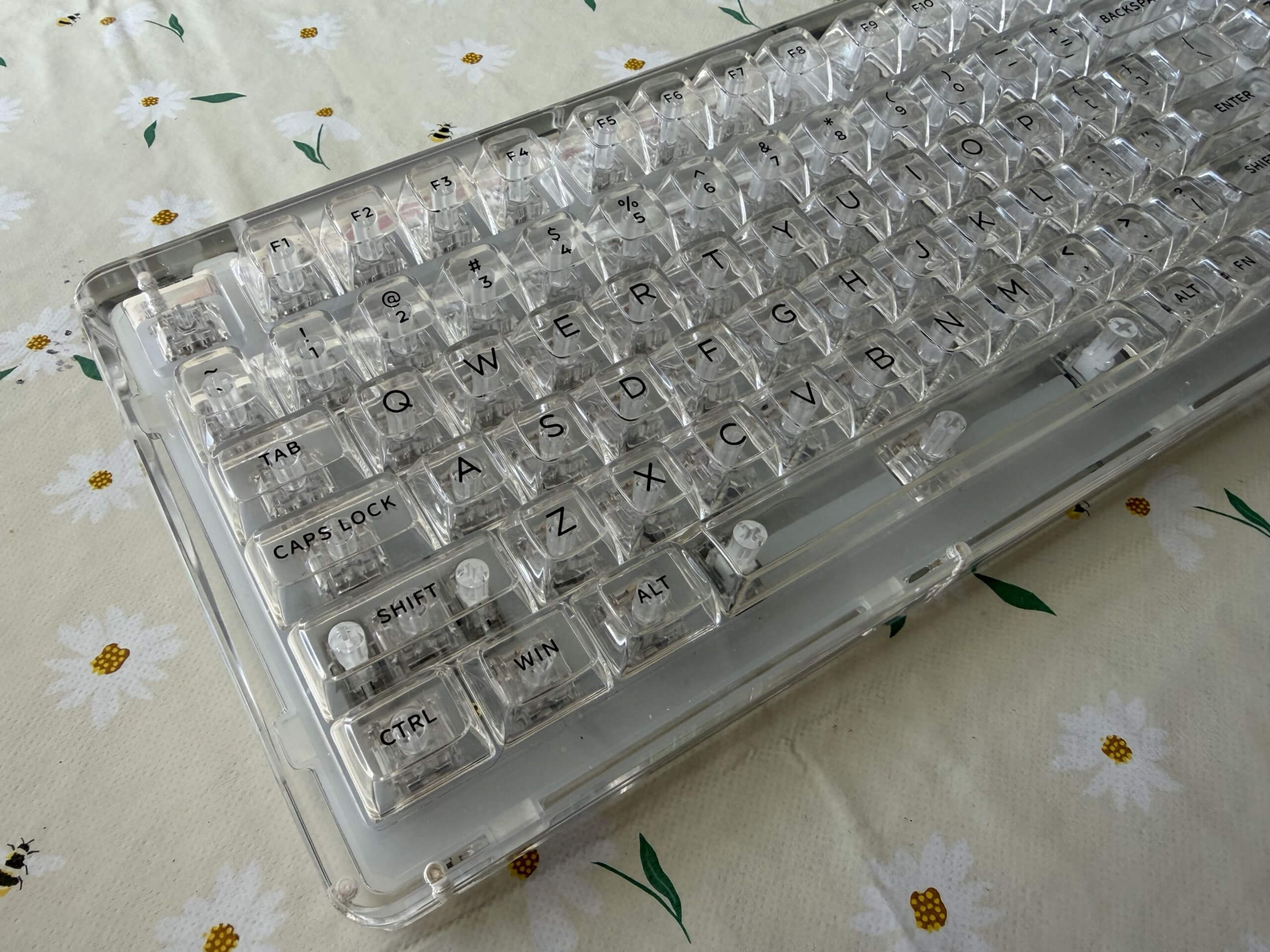
This keyboard doesn’t have all the bells and whistles like some of the other keyboards out there. What it does have is such an incredibly typing experience. With a polycarbonate plate that is tailored for gasket mounting. Giving you a quiet typing experience to give a nice cushion to each of your key presses. I’ve used this keyboard day in and day out for the past month, and I can’t see myself swapping it out for something else.
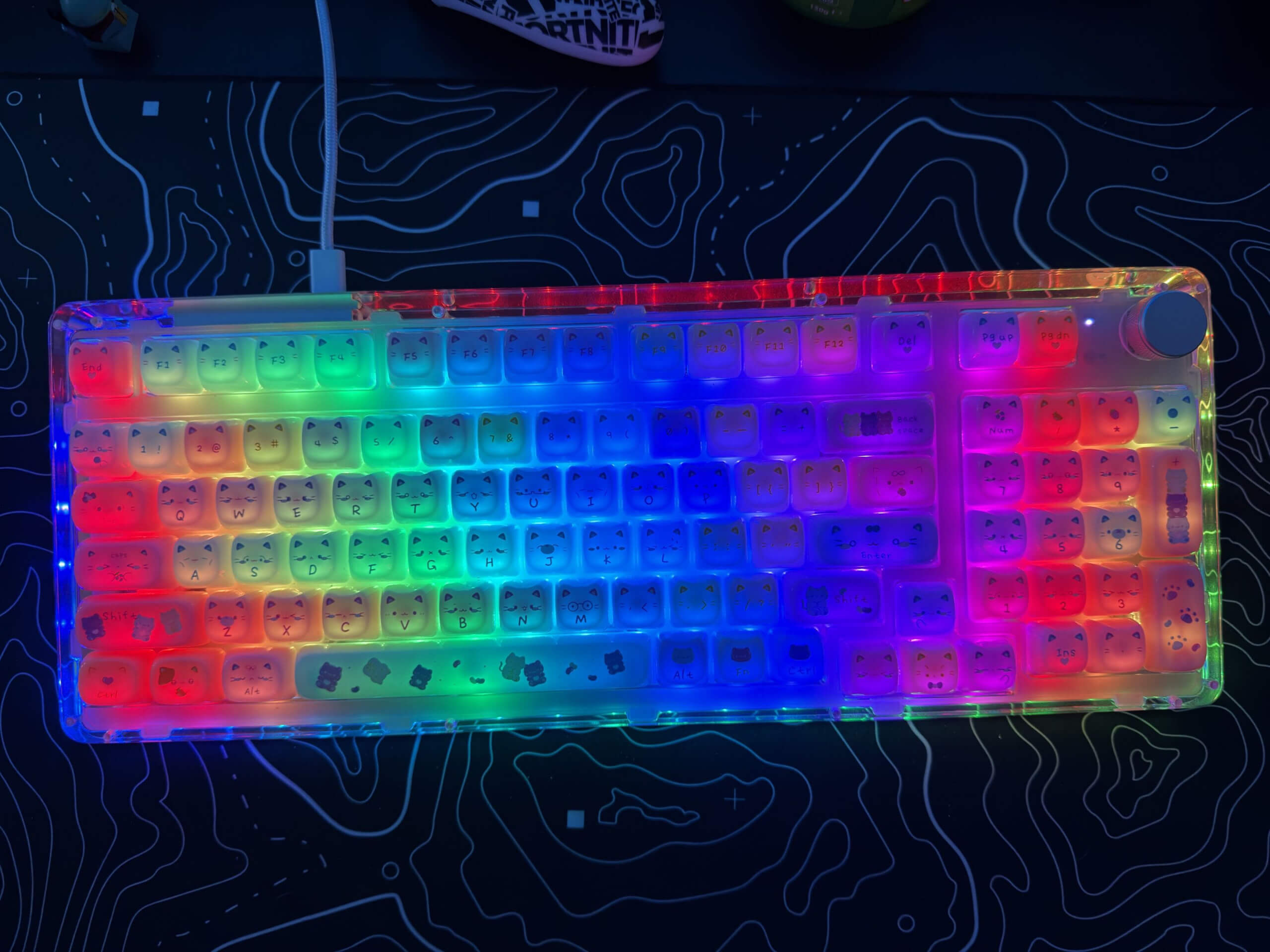
The keycaps themselves are angled to a perfect position for typing, which is handy as there is no need to change the keyboard angle. Along with the south-facing LEDs, the keyboard just looks stunning on any desk. You can change the RGB settings with a combination of key presses, although I do quite like the static rainbow choice.
Combine all this with three connectivity modes, and you’ve got a powerhouse of pure keyboard greatness. Whether you want to be wired, wireless on the 2.4GHz dongle, or through Bluetooth 5.0. However you set up your desk, it will fit in brilliantly.
Pudding Time
If you want to level up the look of the Phantom 98, then you will want to get some new key caps. KiiBOOM were awesome enough to send us the Meow Pudding Keycaps for use on this keyboard, and I think you can agree that they look pretty impressive. However, be aware that because these keycaps are generally flatter than the standard keycaps, it does make the typing experience slightly more difficult. Until you get used to it, that is.
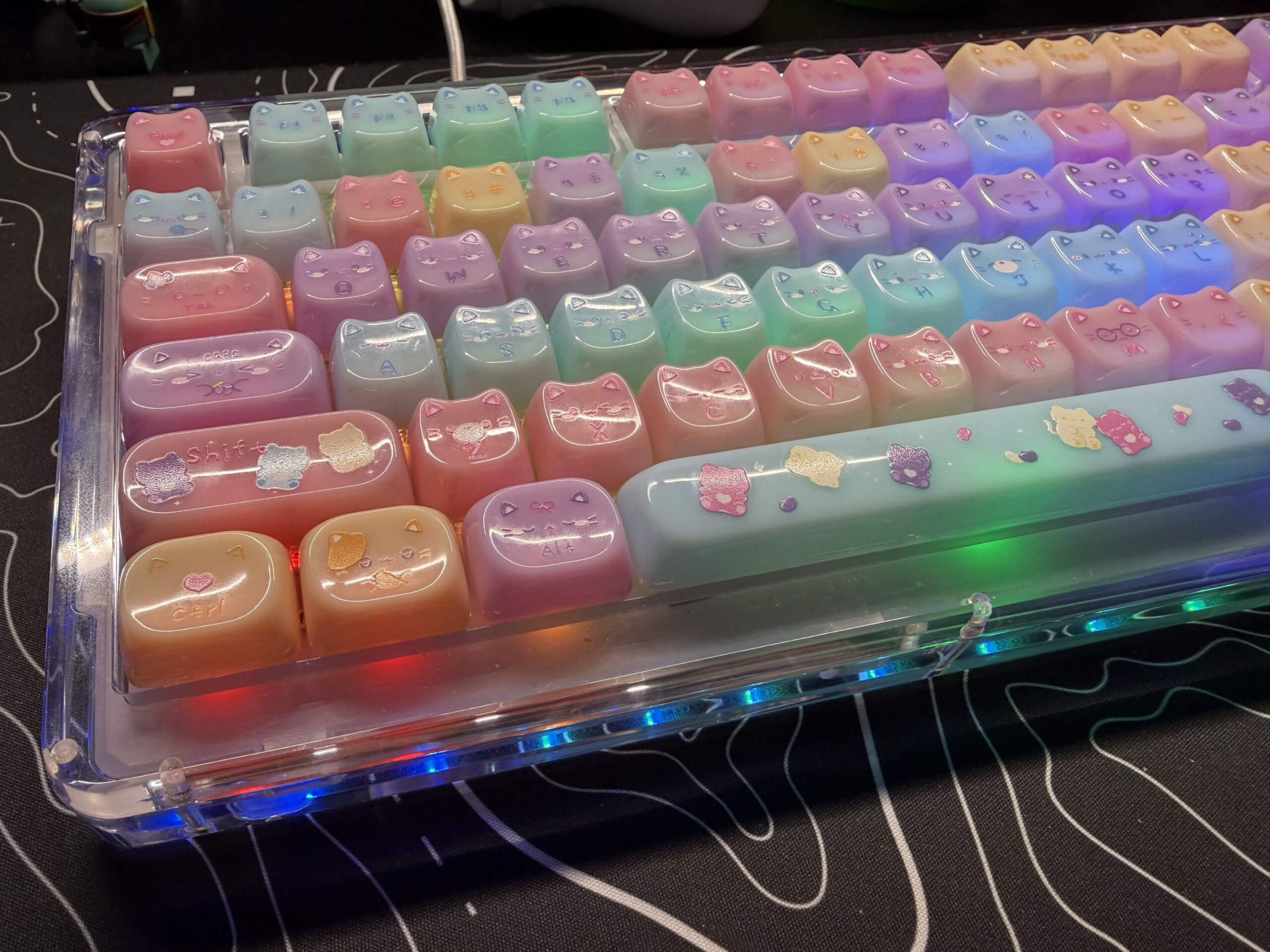
These cute keycaps are translucent, allowing the RGB to glow through the keycaps. Creating even more of a statement piece for your desk setup. With little cat ears on each keycap, as well as cute little faces that show so much expression. You can literally get lost just looking at each keycap.
There are 134 keycaps in the box, allowing for keyboards that are as small as 60% up to full-size layouts. Get the keys set up however you want, whether it’s a full replacement as we did for this review, or just a few standout keys. The choice is yours.
Final Thoughts
The KiiBOOM Phantom 98 is a great keyboard. It doesn’t fall flat, even without all the fancy settings of some of the other big hitters out there. Featuring great looks as well as a great experience, you won’t regret picking up this keyboard. It’s my new favourite keyboard to be honest.
The KiiBOOM Phantom 98 gets the Thumb Culture Platinum Award.


Disclaimer: A sample was received in order to write this review.



YouTube | Facebook | Twitter | Instagram | Discord | Podcast