


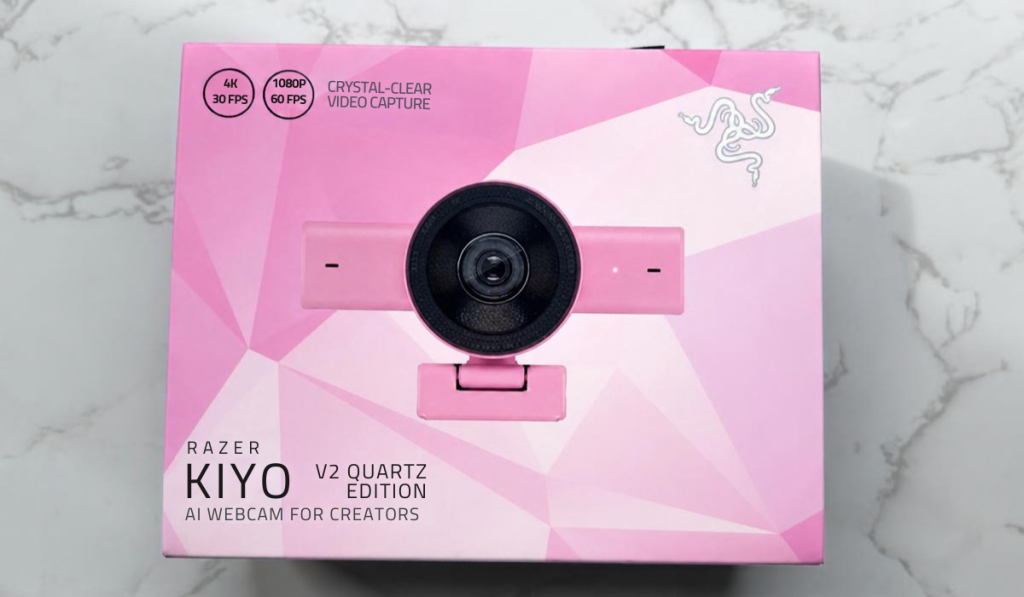
If you are either a content creator, or you just like to have the best webcam in your company meetings. Then you might want to pick up the Razer Kiyo V2. Coming in either white, black, or even the gorgeous quartz colourway. Costing an RRP of £149.99, although at the time of writing it was on sale for £109.99 on the Razer website. This webcam makes some pretty big claims, and a couple of them may not align with ours.
No Pink Tax Here
As with more Razer products, you know you are going to get a lot of bells and whistles. This is what generally makes them slightly more expensive than other competing products within a specific market. Let’s take a bit of time and have a look at some of those features.
Design Features
The most standout feature that the Kiyo V2 has is the 4K image at 30FPS, all powered by a high-performance sensor. The webcam also boasts AI-powered auto-framing. Which Is a good feature if you moving around while streaming. Although I don’t know many streamers who do, I think if you were doing an IRL stream of some kind, it probably would be beneficial, but for general gameplay streams, it doesn’t strike me as important.

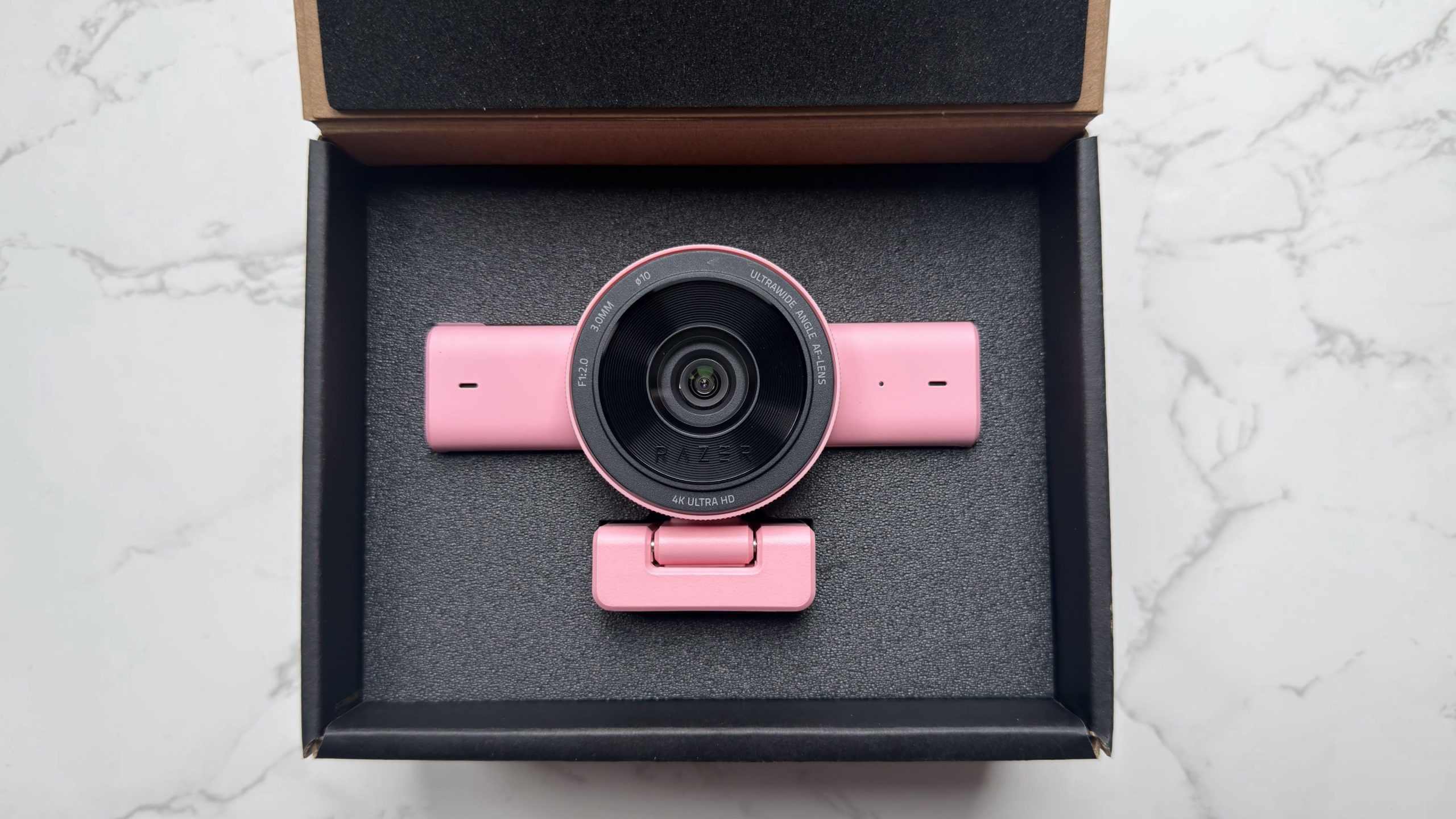
You can make use of some great tools within the Camo Studio software, some of which are more common on high end DSLR cameras, such as fine tuning the image quality, or even using the one-click enhancements to make sure that all of your foreground and background are clear and balanced. There is even High Dynamic Range as an option, allowing a richer colour palette and greater highlights and shadows.
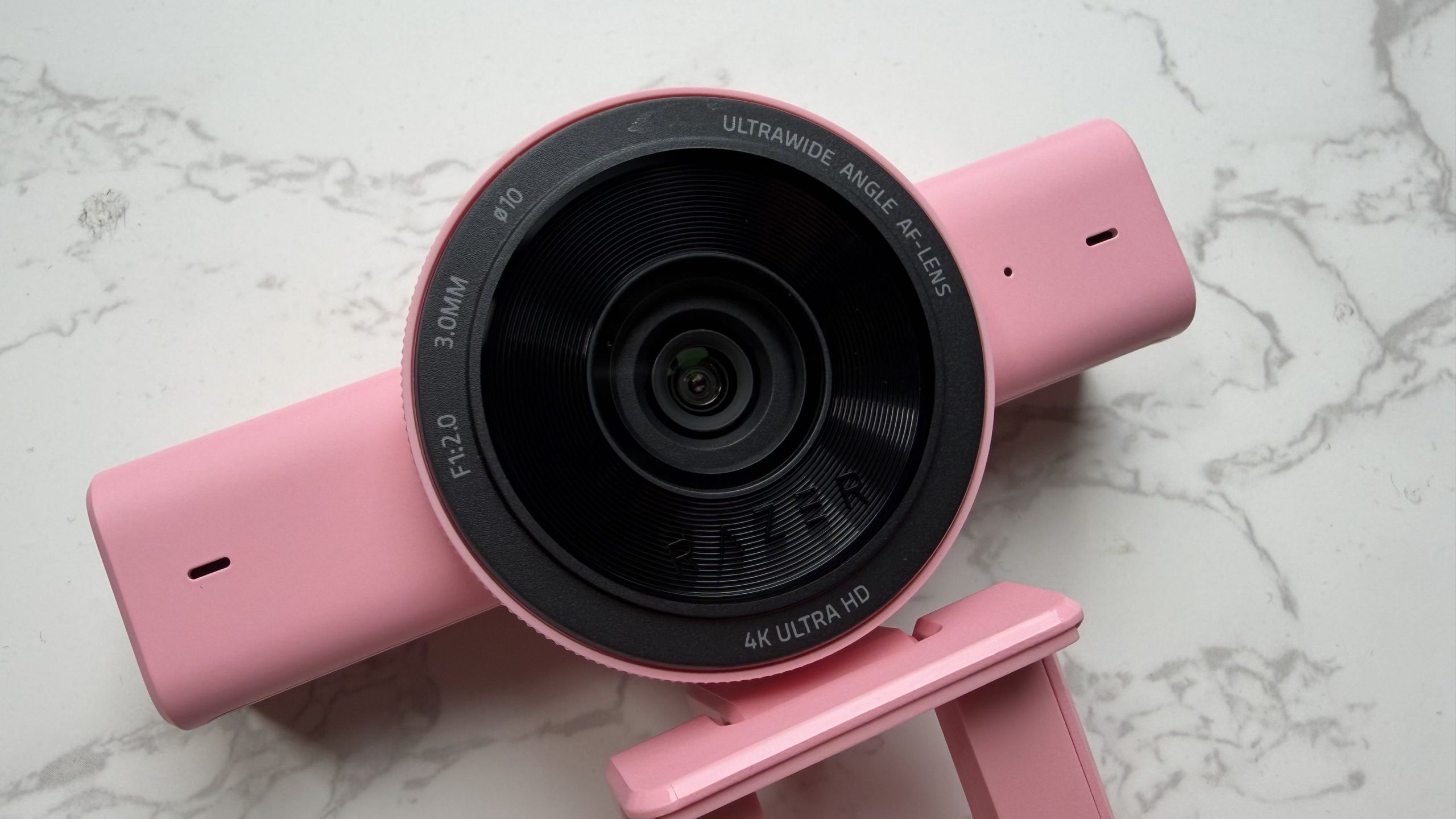
Featuring an ultrawide-angle lens, you can get a bit more fancy with your framing, ensuring that you get those close-ups as well as showing off your entire gaming room. One element that maybe I don’t agree with is the AI face retouching. Being able to reduce imperfections in skin tone, etc., is always something that i don’t agree with. Even on videos such as TikTok, etc., so this, for me, is not something that I’d make use of, but there are going to be people out there that may enjoy that feature.
Personalisation
As mentioned before you can make use of the Camo Studio to unleash the power of the Kiyo V2. Featuring options to remove your background, as well as having personalised overlays, just to make sure that you get the most out of your camera. With a few other features that help that quality of life, with an integrated privacy shutter, just simple rotate the outer ring and it closes up nicely. Add in the pivoting mount for attaching to tripods and it becomes a content creators dream.
Final Thoughts
With some great features, the Kiyo V2 is an absolute powerhouse of creativity. Aside from the AI elements, having a large resolution and wide angle means that it’s going to be great for anything IRL. Double it up with features that a streamer will love you are really getting something that is worth it’s money. Especially if you can find one on sale. If you currently have the first Kiyo iteration, honestly, go and upgrade, you won’t regret it. Even without the built in ring light.
The Razer Kiyo V2 receives the Thumb Culture Gold Award.


Disclaimer: A code was received in order to write this review.


YouTube | Facebook | Twitter | Instagram | Discord | Podcast