


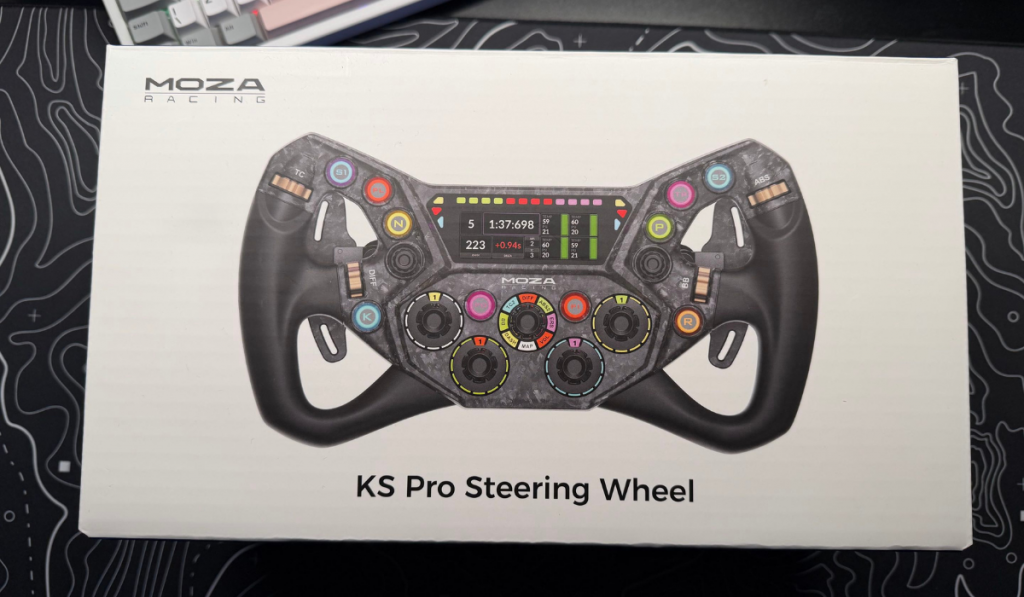
Over the past 18 months we’ve been given the great opportunity to review some of Moza Racing’s hardware. Now, whilst we received this one a little while ago, unfortunately, life got in the way. Better late than never, though, and here we have the KS Pro Steering Wheel. It’s an upgrade to the KS Steering wheel we reviewed back in September last year.
Time for an upgrade
Retailing at around the £320 mark, this is a lot of money for an update, but does it warrant it if you already own the original KS wheel? Well i’m going to try and help you make that decision. So, if you’re ready, then lets wait for the red lights to go out and we can start racing.
Design Features
The KS Pro Steering Wheel is a butterfly design and measures 300mm. It’s a lightweight carbon-fibre reinforced wheel, giving you a strong and sturdy feel in the hand. With an ergonomic design, it allows you to reach the inputs easily, even throughout the most intense moments of sim racing. What set’s this wheel apart though is the 2.99 inch display in the centre. It lights up and gives you a number of layout options to be used throughout your races. All these layouts are customisable using the Moza Pit House software. Just make sure that you open it before you fire up your favourite racing game to get the most out of the software.

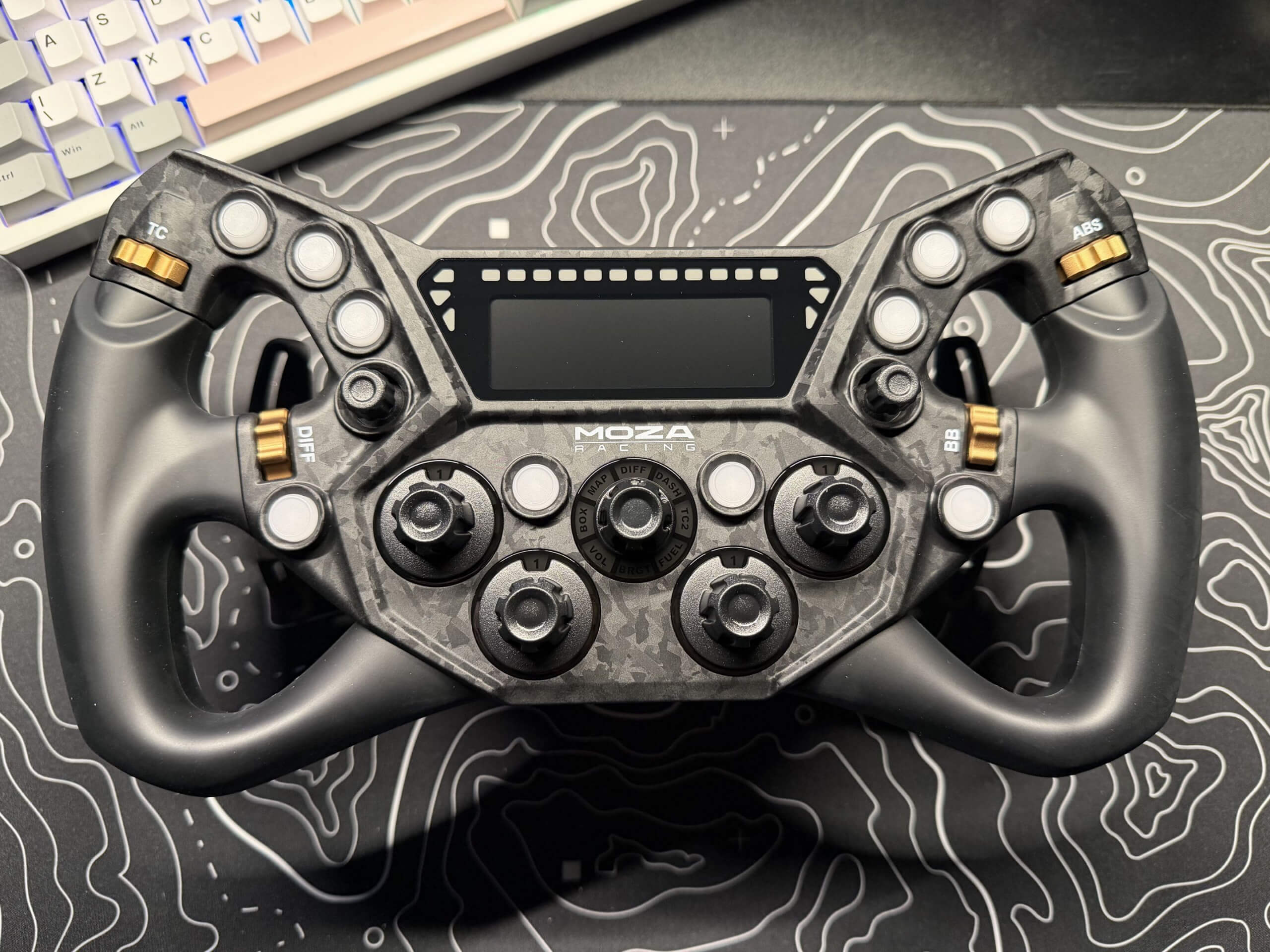
There are so many inputs on the KS Pro Steering Wheel that you shouldn’t have a problem assigning them in your favourite racing game. With 10 RGB buttons, as well as two joysticks that can be moved in 7 directions, pressed and rotated, giving a total of 10 inputs per joystick. Then you have 4 thumbwheels which can be used for quick adjustments of the brake balance, ABS, traction control or whatever you fancy.
Moving towards the bottom of the KS Pro Steering Wheel you then have four, twelve position rotary switches, allowing you to have precise options when it comes to certain settings. then you have one main rotary switch which has an eight-way positioning. Even though this is labelled with specifics, you can set them up however you please in your game customisation screens. Oh, and not forgetting the 2 rear buttons.
So many Buttons
Like I said, you won’t have a hard time getting this steering wheel set up just perfectly.
So off to the track I went, and my game of choice was Le Mans Ultimate. Using this wheel was incredible when attached to the R9 wheelbase. Taking to the track with this wheel was a joy. Having all the options I need at my fingertips, using the magnetic paddle shifters that give a nice click when you use them. Even to making use of the clutch paddles for those race starts.
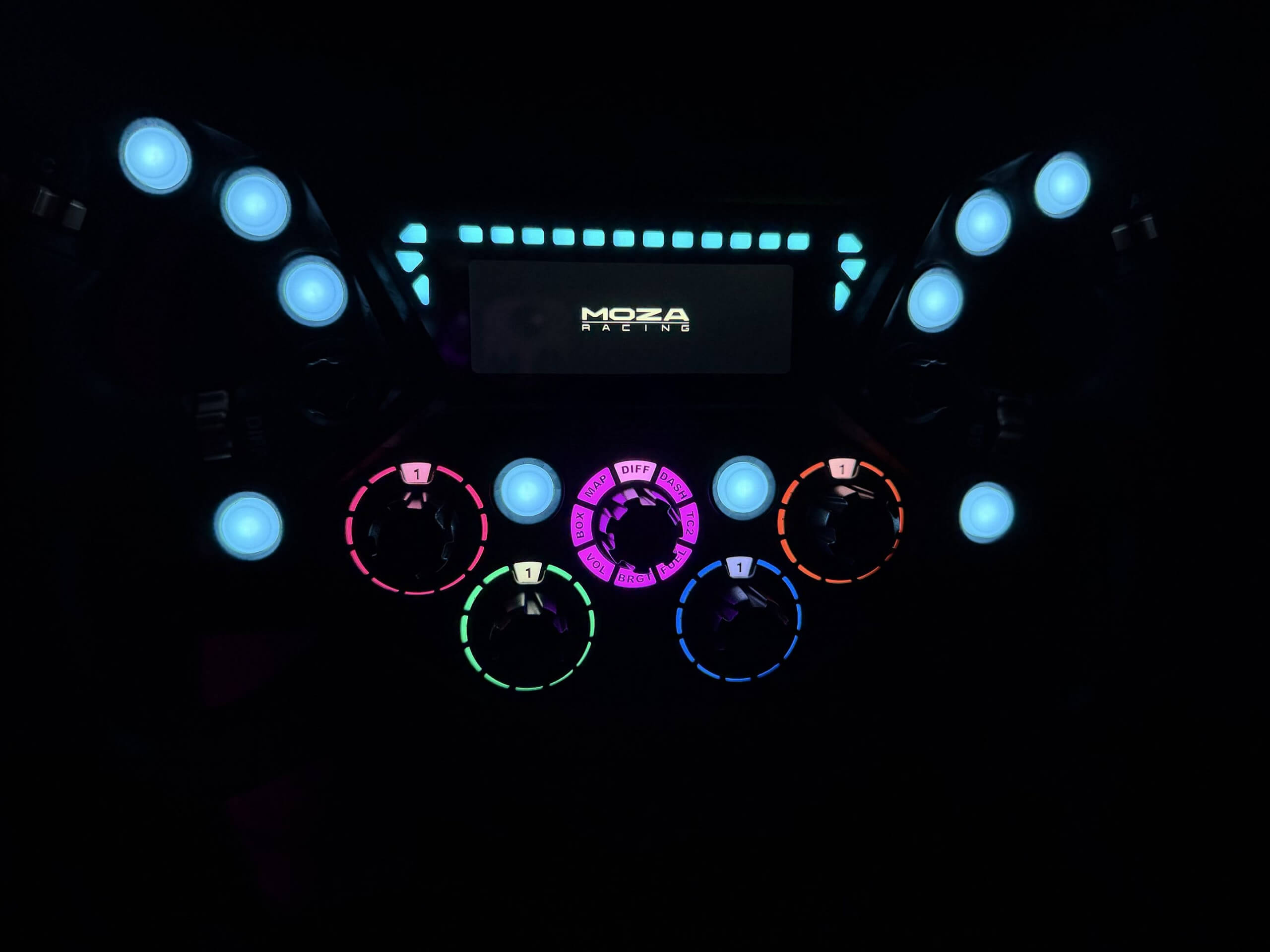
With the customisable RGB on the buttons, you can either customise them and colour coordinate them. Or use the included stickers to make sure that each button is accounted for. Personally, I don’t see the point of using the stickers; it’s not like you’re going to be looking down a lot when racing wheel to wheel with people. Even the RGB flag lights are a bit of an over-the-top feature. I don’t really notice them all that much when playing the game, but you might, and you might really enjoy that option.
Final Thoughts
The KS Pro Steering Wheel is a feat of engineering. Its strong, sturdy, there are plenty of buttons to assign how you please. With its butterfly design set to mimic a GT vehicle you are going to enjoy every minute of racing with your setup. Now even if you don’t own a Moza wheelbase, you can still make use of the KS Pro. All you need is the Moza Hub which opens up compatibility with a large number of third-party wheelbases.
It is a great upgrade to the original KS wheel, even if it is a bit pricier. Is it worth getting if you already own the KS? In my personal opinion, yes. I would sell the KS to fund the KS Pro upgrade, 100%.
The KS Pro Steering Wheel receives the Thumb Culture Platinum Award.


Disclaimer: A code was received in order to write this review.


YouTube | Facebook | Twitter | Instagram | Discord | Podcast