



Earlier this year we took a look at some cute KiiiBOOM keyboards and keycaps, during which I became a big fan of the brand. So obviously, I said a very enthusiastic yes when I was asked if I would like to review the KiiBOOM Phantom 98 Lite! Available in a few colourways, I opted for the pink with the KiiBOOM Mossy Silent switches.
96% meow keyboard
The KiiBOOM Phantom 98 Lite is the size of the Phantom 98 combined with the pastel prettiness of the Phantom 81 Lite. It’s price tag is around £85, depending on which switch options you choose. Which sits firmly between those I just compared it to. But does it live up to those comparisons? My heart says yes, but will experience say something else?


Design
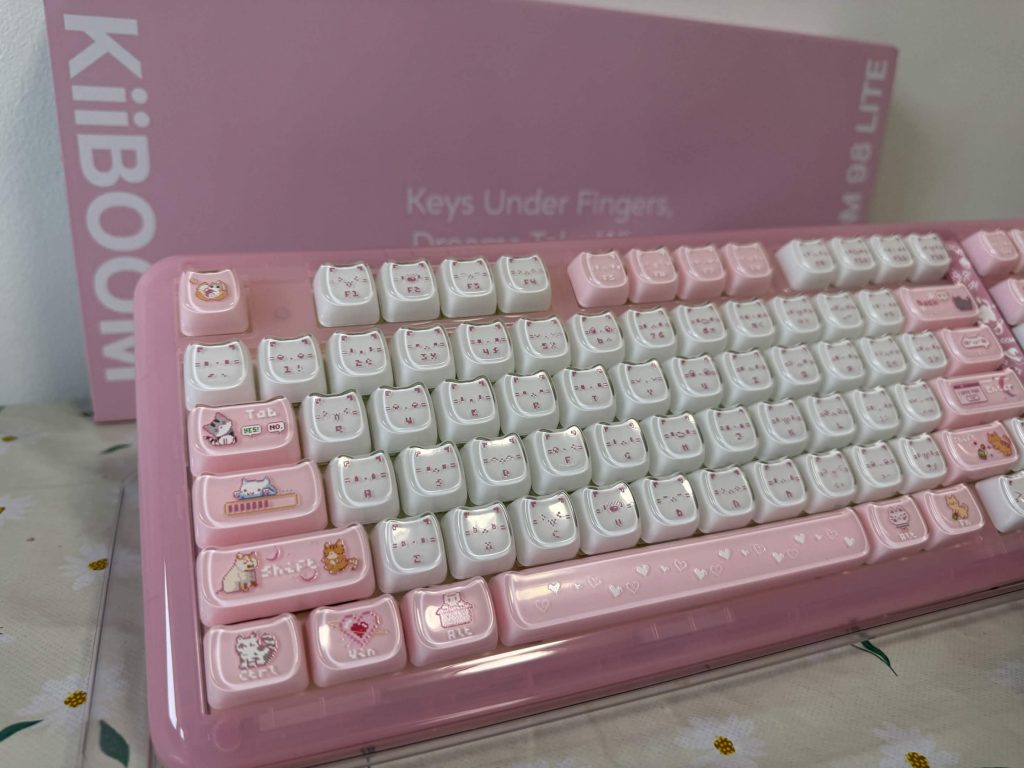
Let’s get straight into it. The KiiBOOM Phantom 98 Lite is essentially the 96% (97 key) upgrade of the Phantom 81 Lite. They have the same ergonomic design and pastel gasket. The keycaps are once again PBT MOA profile, meaning they are made of high premium matte plastic in a rounded uniform shape. There is no denying the aesthetics of this keyboard are cute. Even when looking at the other colourways available (green or clear) the vibes are immaculate. In terms of size the KiiBOOM Phantom 98 Lite weighs in at 1.2kg which isn’t massively heavy but it does feel hefty. You know, in that quality type of way. Measurements wise the keyboard is 40.9cm long and 15.1cm wide.
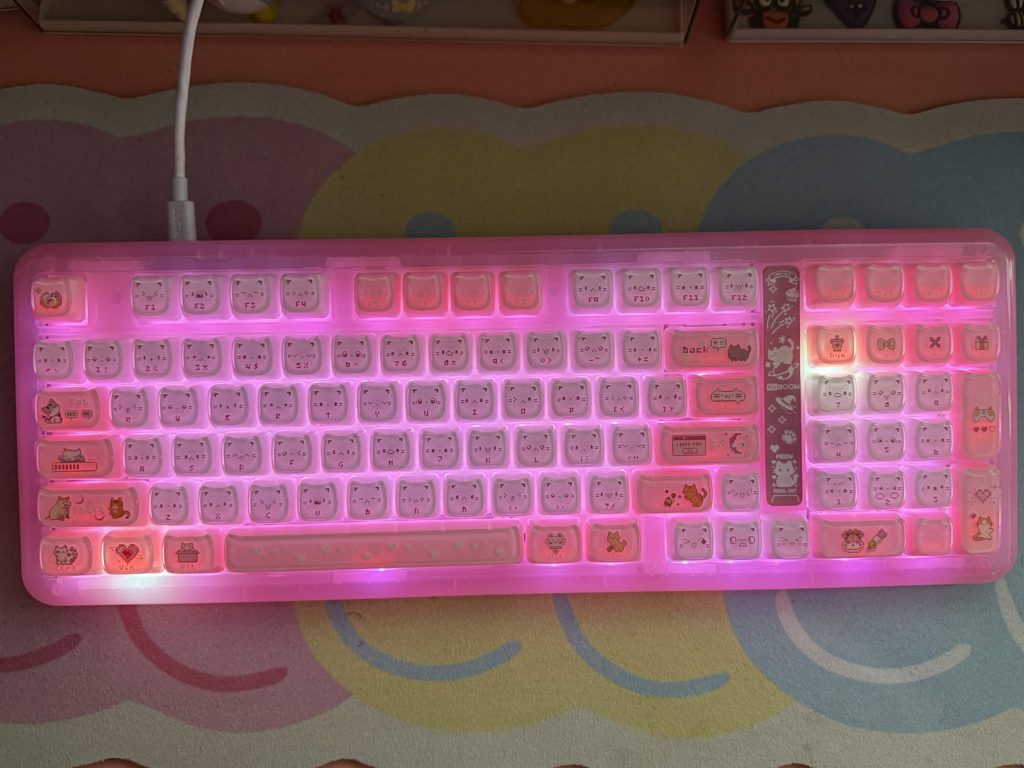
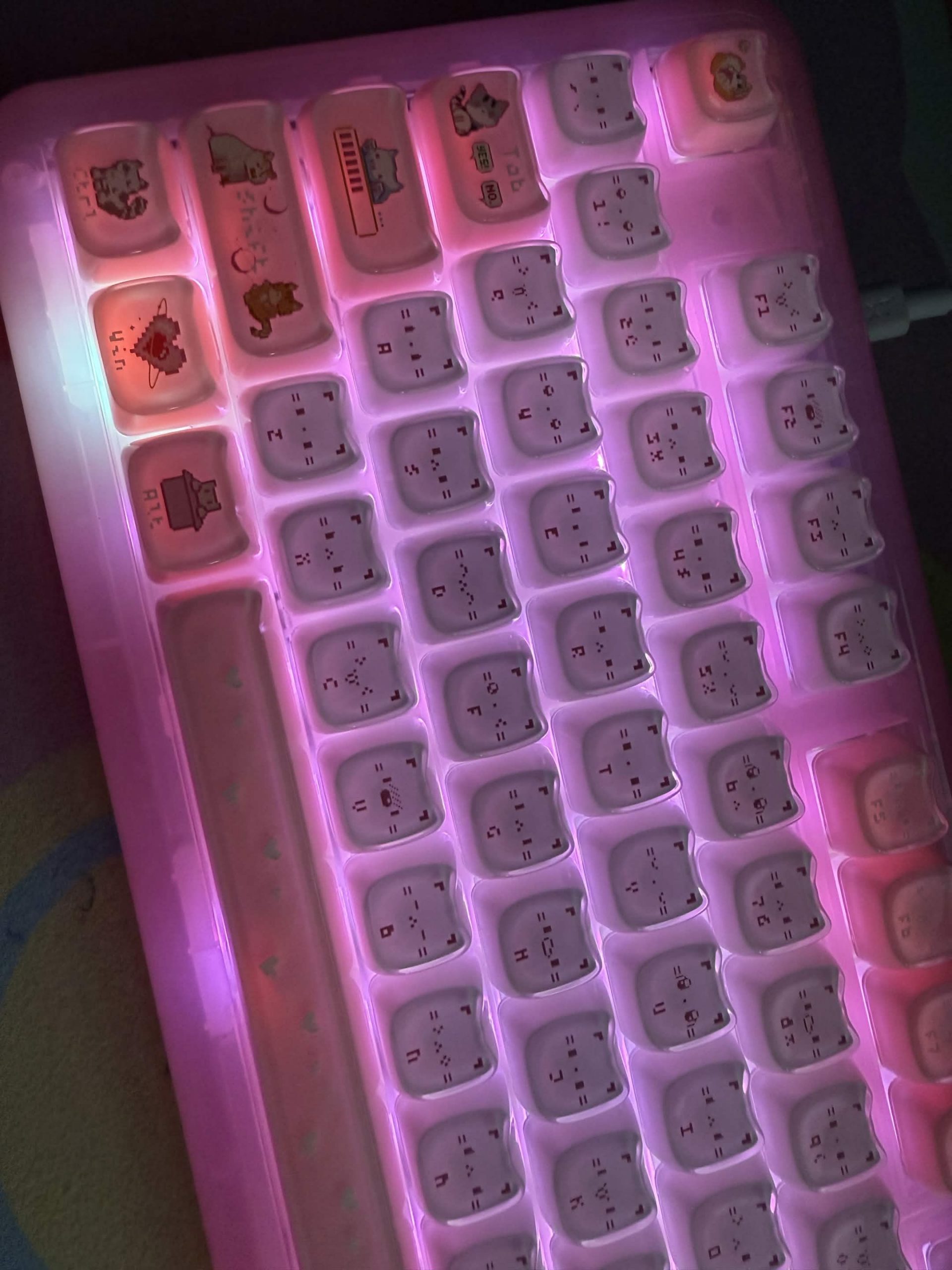
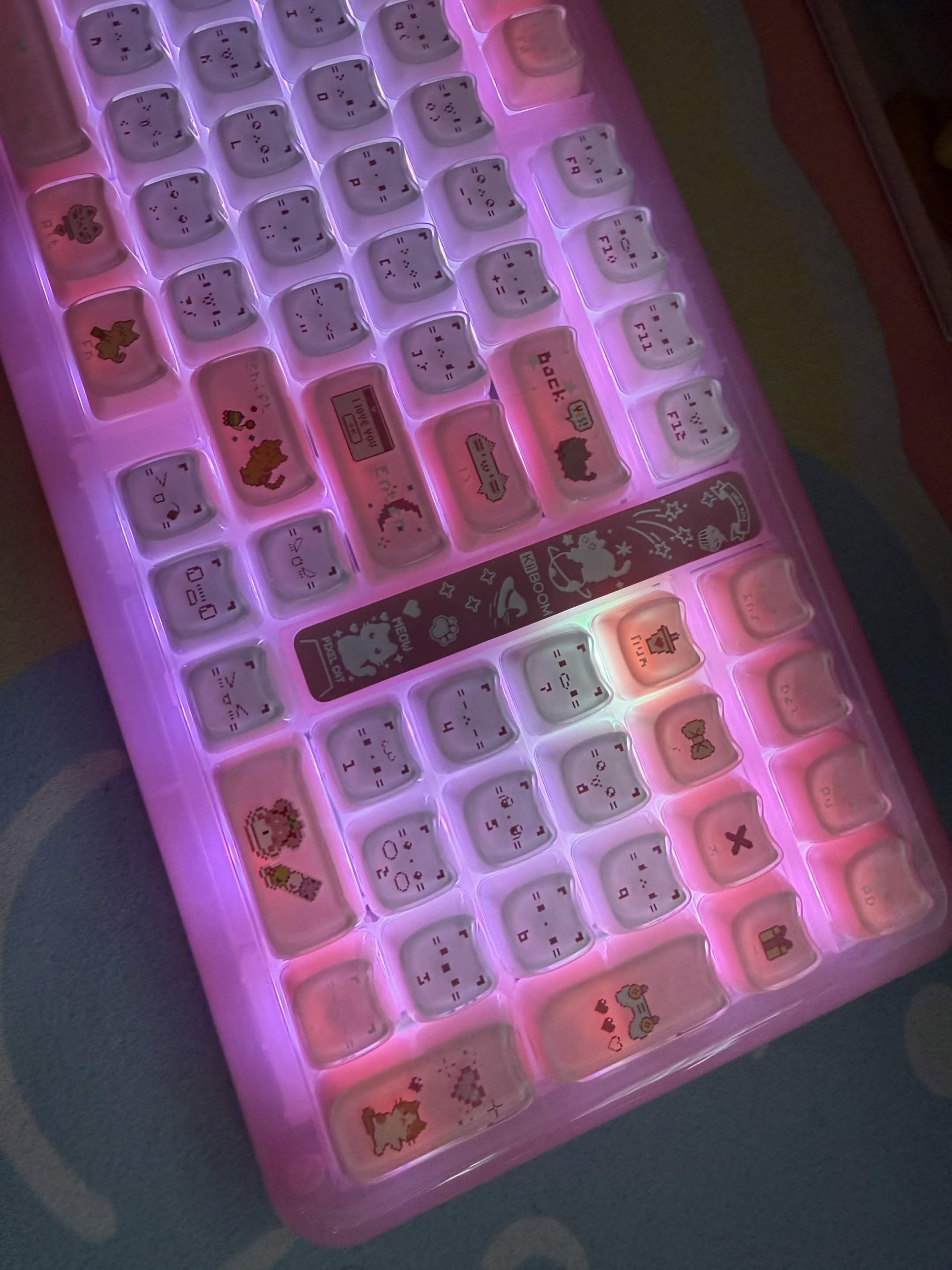
What makes the pink version of this keyboard even more special is when you activate the RGB settings. Of which there are around 16.8 million options! I’ll have to take KiiBOOM’s word there as I did not have time to cycle through them all. Of course these are all customisable, and can even be synced with music or games. I’m not typically an RGB girlie, but the south facing RGB really do make the colours pop, especially in a dimly lit room!


Features
Just as this gasket design elevated the creamy sounds of the KiiBOOM Mochi, it does the same for the KiiBOOM Mossy Silent switches. Ok, maybe not exactly the same, because when I say these switches are silent, I mean silent. The only noise came from my acrylic nails. When I used my actual fingers, there was no noise. No click. No thocky tap. Nothing. Which means they do their job perfectly. Unfortunately for me, I am not a fan of a quiet keyboards. I need the nice sounds for a dopamine hit.
The KiiBOOM Phantom 98 Lite comes with pre-lubed KiiBOOM Mossy linear switches which are also hot-swappable. This means changing your switches is super easy, no soldering required! So, if you fancy trying a different feel or sound, you can simply swap the switches out and customise your setup to suit you. The lighter 40gf switches are particularly great for gamers, fast typists, or anyone who finds their hands get tired or sore after using a keyboard for long periods. They need less force to activate, making typing and gaming feel effortless. And it’s not just the switches you can customise. The keycaps can be swapped out too, giving you plenty of options to personalise the look and feel of your keyboard.
Of course, the customisation doesn’t end with the switches and keycaps. The KiiBOOM Phantom 98 Lite also comes with open source QMK/VIA compatibility, giving you even more control over how the keyboard works. This isn’t just useful for changing your RGB lighting either. You can set up all sorts of macros to make things easier, whether that’s for gaming, speeding up your workflow or making those endless spreadsheets a little less painful!
Connectivity
The KiiBOOM Phantom 98 Lite can be connected in three different ways. You’ve got wired connectivity via USB-C, or you can go wireless with either 5.0 Bluetooth or the 2.4GHz dongle. Polling rates vary depending on which connection you’re using, with both wired and 2.4GHz offering 1000Hz, while Bluetooth drops down to 125Hz. This does mean Bluetooth is slightly slower, but honestly, I didn’t find it to be much of an issue. You can also easily switch between the different connection types, which means you can quickly go from typing away on your PC to using your tablet without having to mess around with pairing again.
Of course, when using a wireless keyboard, you’re going to run into the age-old issue of battery life. I found that without the RGB turned on, I could get around 7 days of use via the 2.4GHz dongle. With the RGB on, however, this dropped significantly to around a day. For the most part, I did all of my testing using the wired connection and never ran into any issues.
Final Thoughts
Having loved the KiiBOOM Phantom 81 Lite so much, I had very high hopes for the KiiBOOM Phantom 98 Lite. Admittedly my experience with this keyboard is slightly my own fault. I don’t think I appreciated quite how silent the Mossy Silent Switches would be! If you’re a fan of a very, very quiet keyboard that is customisable, this is the one for you.
The KiiBOOM Phantom 98 Lite gets a solid Thumb Culture Gold Award.

Disclaimer: A product was received in order to write this review.
