


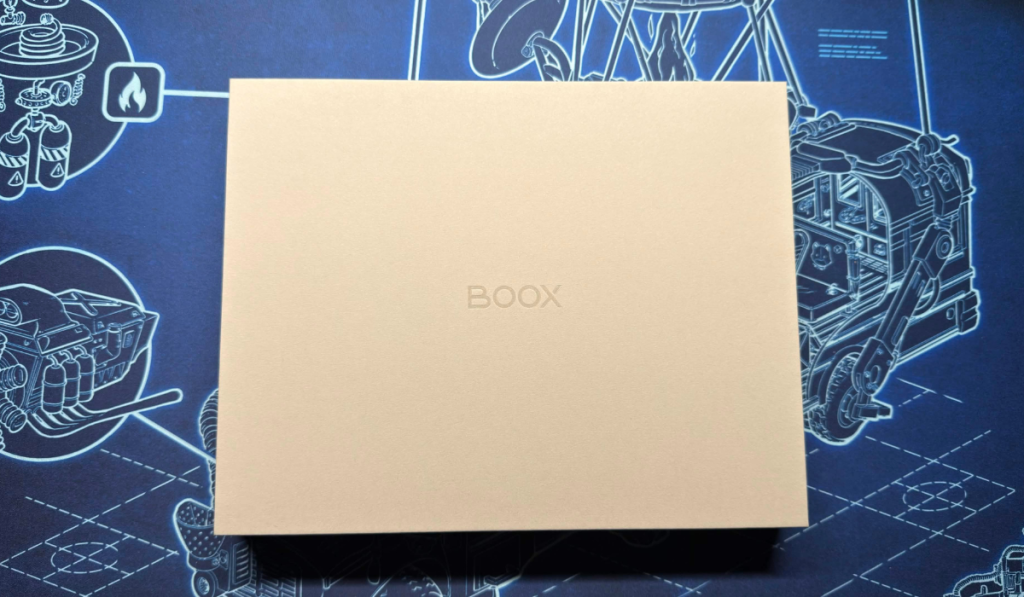
For a while I’ve always wondered what it would be like to have one of those electronic writing tablets. One where you no longer need to have a notepad to keep track of jobs to get done. Where you can keep different amounts of notes all together in one harmonious place. Well, the Boox Go 10.3 Gen II dropped through the post; was it serendipitous? Nah the PR got in touch and asked us if we wanted to check this one out.
Getting it out of the Boox
Coming in two different flavours, one with a backlight and one without a backlight. We were lucky enough to get hold of the one with the backlight and I will say straight away, the screen was great. Let’s find out what else this little device can offer you.
Design Features
Being thin and lightweight, this sunlight-readable notebook can fit easily into your bag. Along with the included case, it keeps it nice and safe. So what does the Boox Go offer in terms of functionality? With a 10.3″ ePaper glass screen with a resolution of 2480 x 1860, along with the 300ppi gives you a crisp screen that is incredibly responsive when used with the InkSense Plus stylus. It also has over 4000 levels of pressure sensitivity, as well as capacitive touch. It allows you to write comfortably, as well as draw accurately. Although there are no colours, you can definitely get some nice drawings done. Even the graphic novels have a certain appeal to them.


Effectively, the Boox Go is run like an Android tablet, so you can go to the app store and download apps. I went straight to download the Kindle app to have access to all my graphic novels. Taking some time to myself and reading with a nice coffee is always a lot of fun. Even with the built-in apps, this tablet is a great device. Having different notes for either work or my Thumb Culture to do list was great as well. Just being able to be more organised than I’ve ever been was perfect. And this device helped me achieve that!
With a 3700MAH battery, the Boox Go can last for weeks in standby mode; even with daily usage, you get so much time in use. Especially if you take away any network or wireless connections. Along with the 64GB storage, the device supports 26 digital formats, so whatever your books are, they will always be readable.


With a whole host of built-in apps, you can make use of calendars, as well as many project management tools, to ensure that you get the most out of your device. I found adding notes to each day of the calendar a huge help in ensuring that my day-to-day workflow was kept in check. Making use of built-in tools to organise and make your content look the part. With so many formatting options, you will take a long time to find them all. Thankfully, the Boox Go does make a great experience all round when you are discovering everything it offers.
Final Thoughts
So should you spend the lofty price tag of £429.99 ish on the Boox Go 10.3 Gen II Lumi? If you are looking for a device and your demands are an e-writer as well as an e-book reader. Then yes, this is probably a perfect device for you. Whilst a massive outlay, you will make a lot of use of the device.
The Boox Go 10.3 Gen II receives the Thumb Culture Platinum Award.


Disclaimer: A sample was received in order to write this review.


YouTube | Facebook | Twitter | Instagram | Discord | Podcast